Adding a new tender

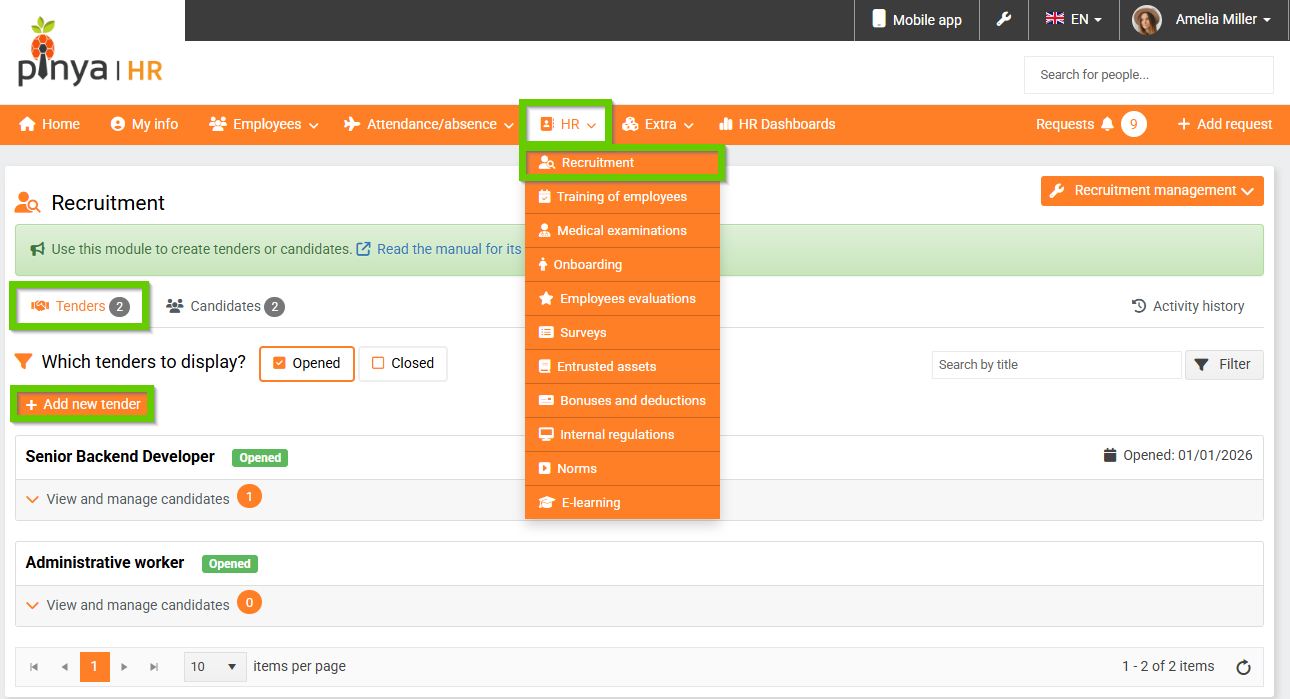
To create a new tender, go to the tab on the main panel
HR > Recruitment > Tenders.
Then click the Add new tender button.
A form will appear in which you fill in all the necessary information to create a new tender.
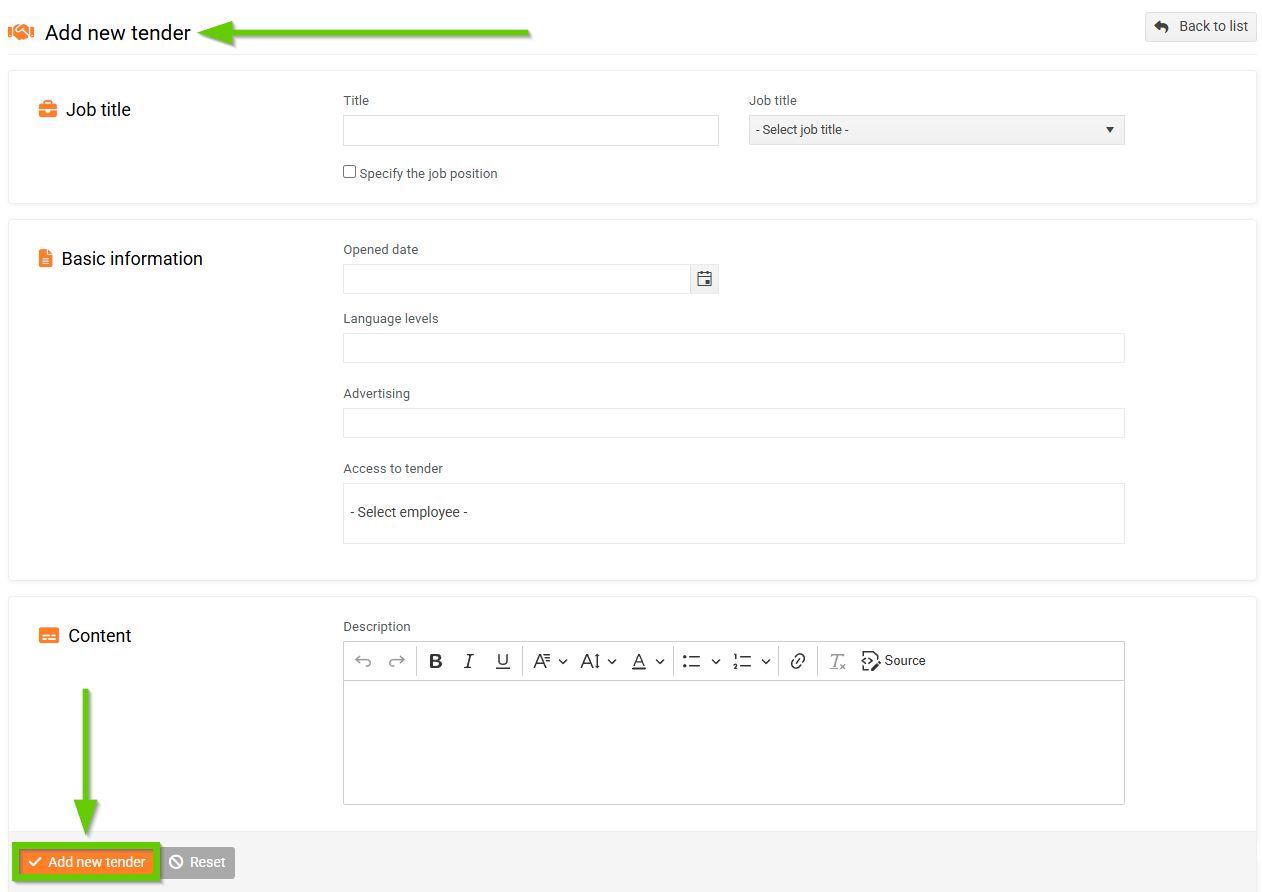
Then click the Add new tender button. The newly created tender will appear in the list.
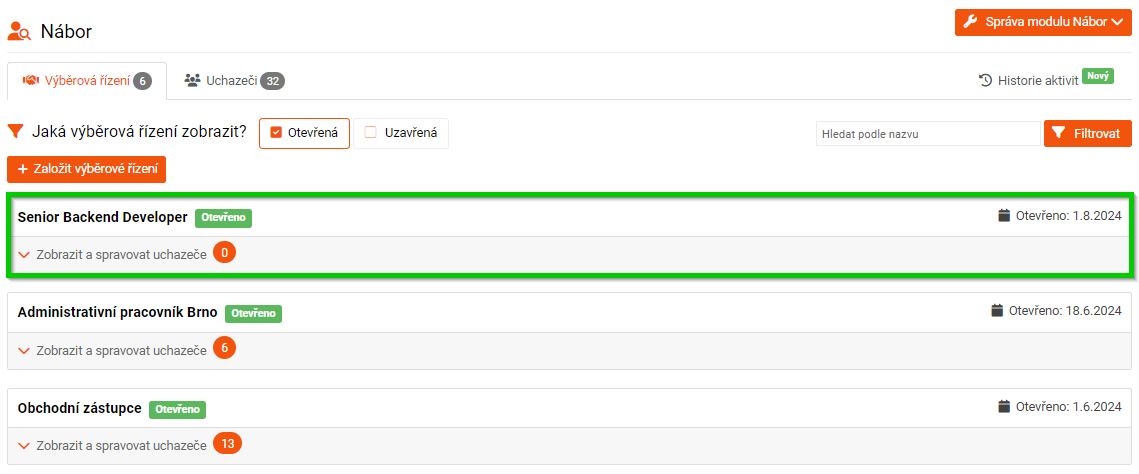
For information on how to manage a selected tender and how to add candidates to it, see the articles Managing tenders, Adding a new candidate, and Adding a candidate to the CV from existing candidates.
