Signed document and audit log

Fully signed document
Once signed by all designated individuals, the signing process is complete.
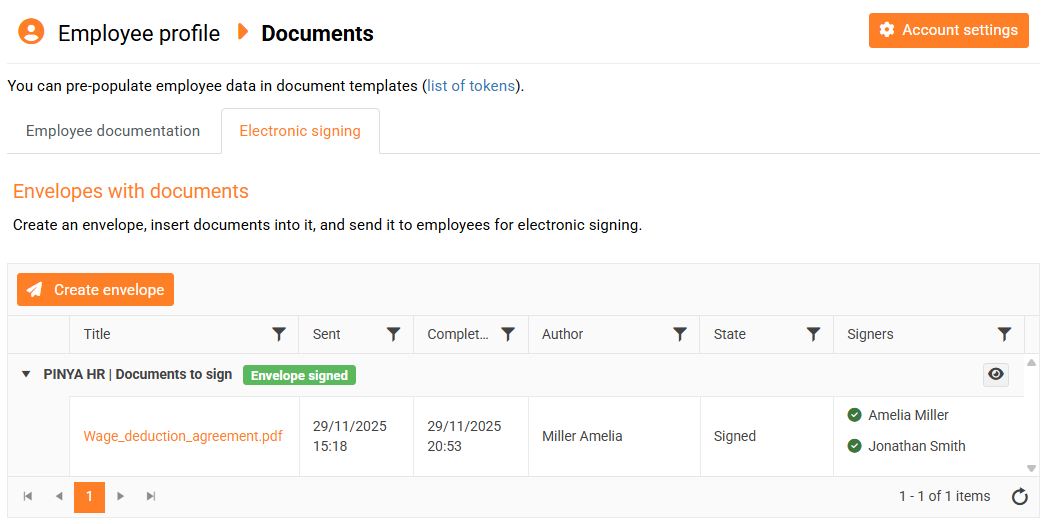
Each signatory will receive an email with a link to download the signed documents. The documents are also attached to the email.
Audit log
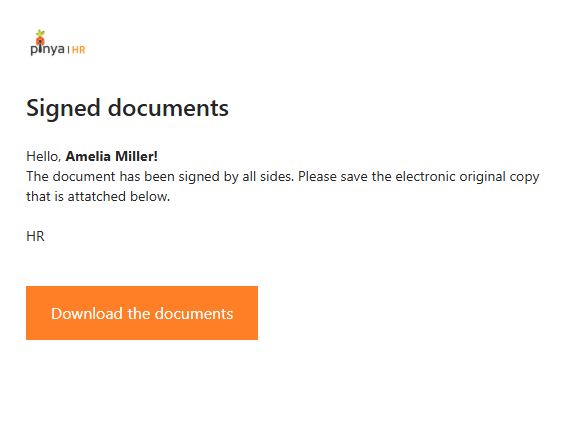
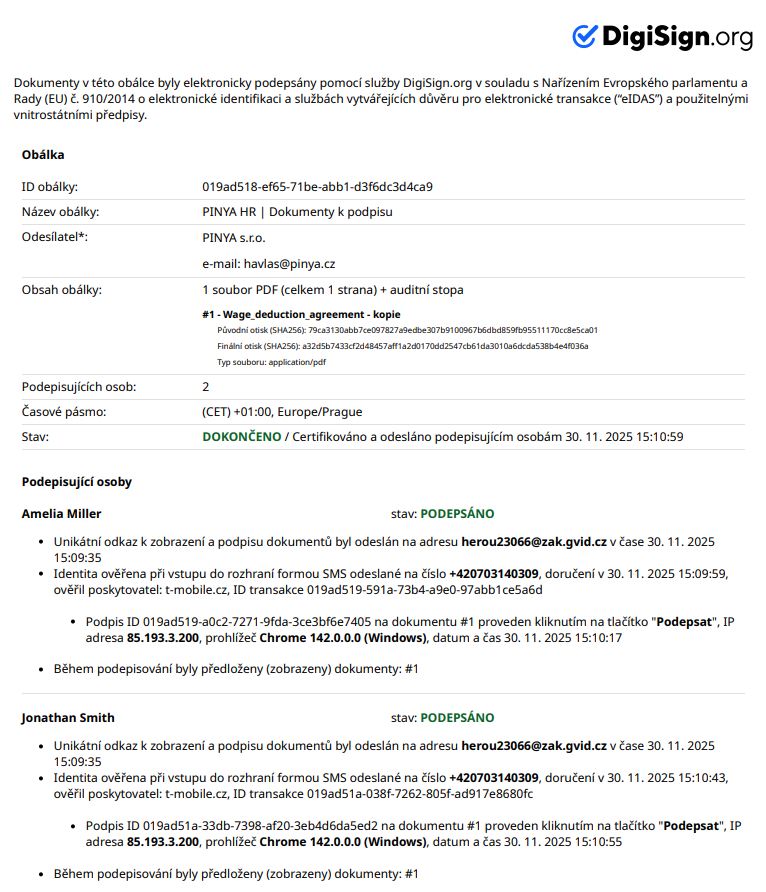
An audit log is stored in the PINYA HR system for each signed document.
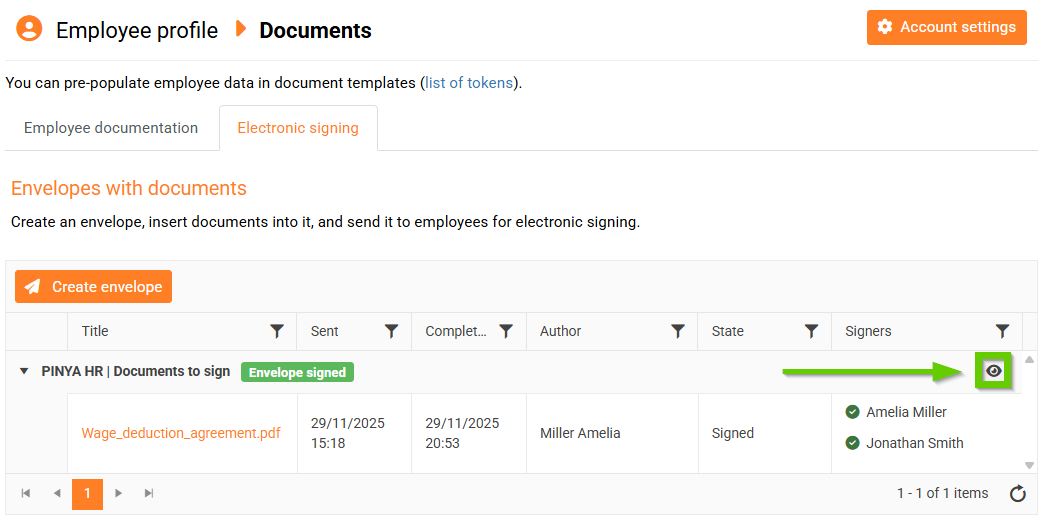
You can find it in the envelope detail containing the signed documents ( eye icon ).
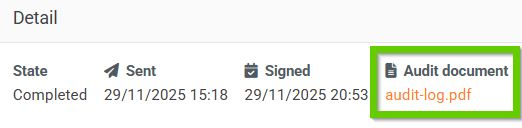
This log proves the electronic signing of the document.
Deleting signed documents
The system also allows you to delete signed documents from envelopes. After deletion, the document will no longer appear in the envelope. However, the document record remains in the main electronic signature log, where it can be further searched.
The audit log in the envelope detail also remains unchanged - it contains all documents that were part of the envelope before deletion.
If all documents are deleted from the envelope, the envelope will no longer be displayed in the Electronic Signatures tab in Documents on the employee's profile. However, it will remain in the electronic signatures log.
