Solving a task by multiple assignees

If multiple assignees are assigned to a task, the task can be completed in two ways depending on
What method of completion did the task requester specify?
- Completion by one assignee - it is enough for one of the assignees to take over and complete the task.
- Completion by all assignees - the task must be completed independently by each of the assigned assignees.
1. Completion by one assignee
If a task has multiple assignees, but is to be completed by only one of them, all assignees will receive an email notification and a new request will be created for everyone.
All assignees can view the request details from the email and from the request.
The request detail contains information that the task should be completed by only one assignee.
There is an Take over button next to the name of the currently logged in researcher.
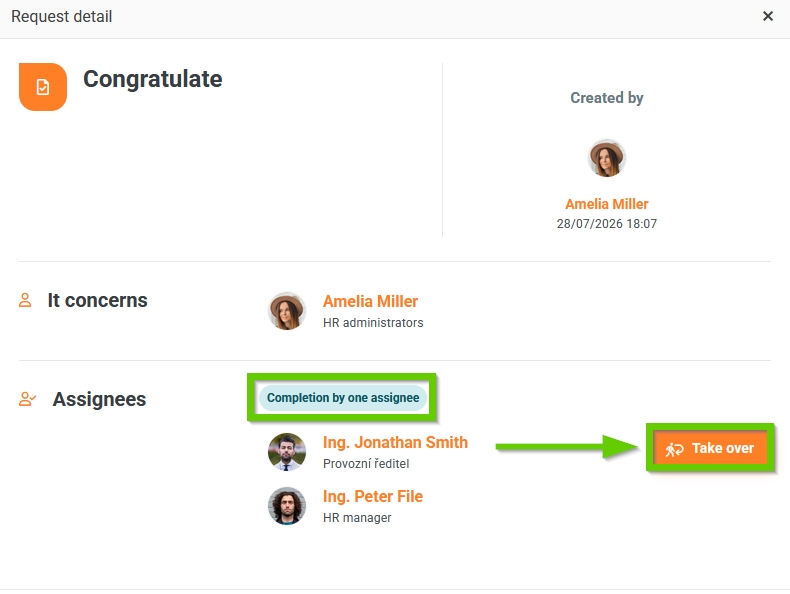
When one of the assignees takes over the task, the requirements for all other assignees are canceled.
Only the assignee who took over the task can subsequently mark it as completed.
Other assignees will automatically be sent an email notification that they have been removed from the task.
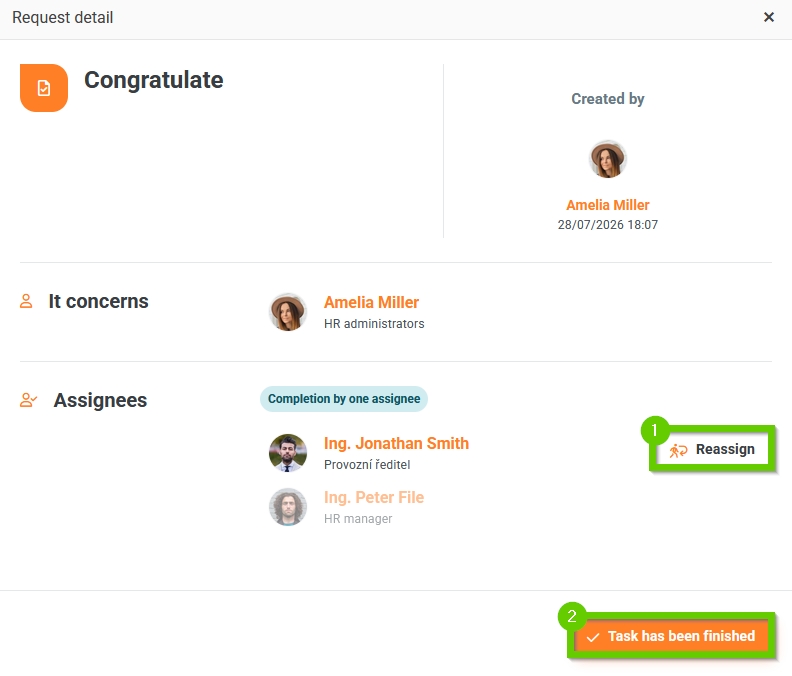
Now the task has only one assignee and he can perform 2 actions on the request detail:
- Reassign a task
- Confirm task completion
1. Reassigning a task
The investigator can reassign the task to someone else.
After clicking the Reassign button, the assignee selects who will solve the task and can also change the completion date.
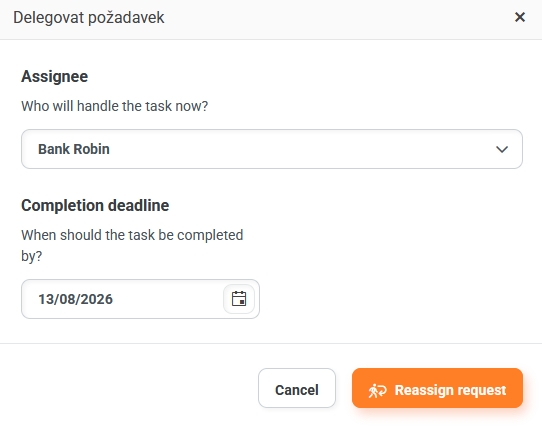
After the request is transferred, the new assignee will be sent an email notification informing them that the task has been assigned and a new request will be created for them.
The original assignee will be sent an email notification informing them that they have been removed from the task.
At the same time, the task submitter will also be informed of the change in the assignee via e-mail notification.
2. Confirmation of task completion
After completing the task, the assignee confirms its completion by clicking the Confirm task completion button.
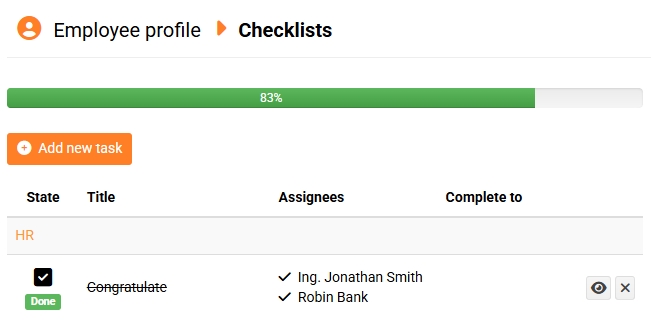
The task in the checklist is then automatically marked as completed.
2. Completion by all assignees
If a task has multiple assignees and is to be completed by all assignees, each of them will receive an email notification and a new request will be created for everyone.
All assignees can view the request details from the email and from the request.
The request detail contains information that the task is to be completed by all assignees.
Each of the assignees can reassign a task or confirm its completion on the request detail.
Once all assignees confirm completion of the task, the task is automatically marked as completed in the checklist.