Setting the absence balance for the next calendar year, transfering to the next year

The last quarter of the calendar year is usually when employees request vacation for the next year.
To make this possible, you must set up employee vacation balances in the system in advance for the next calendar year.
- Select the Balance management and bulk entry option in the Attendance/absence menu and stay on the Bulk balance managing tab.
- Set Type = Vacation (or another type for which you need to set balances) and Calendar year = next year.
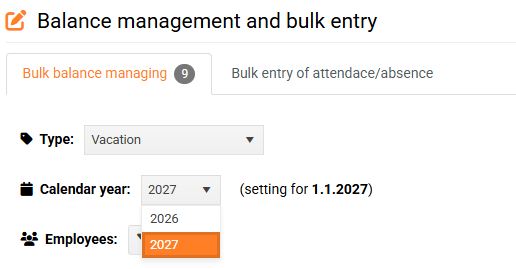
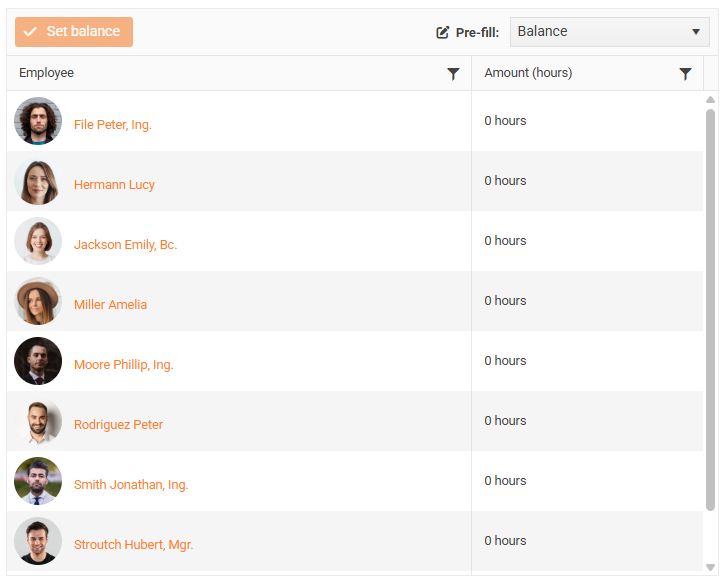
- If an employee has never had a vacation balance set before, the default balance value is 0 hours.
- You can set balances in one of the following ways.
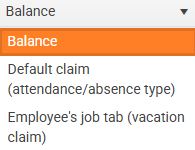
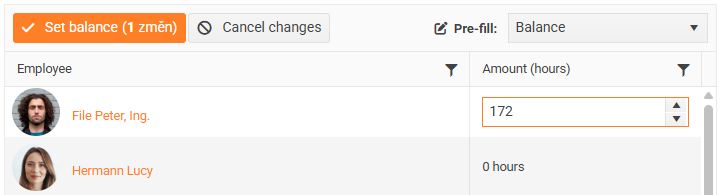
- Balance – you set the balance for each employee manually by clicking the Quantity field and entering the number of hours.
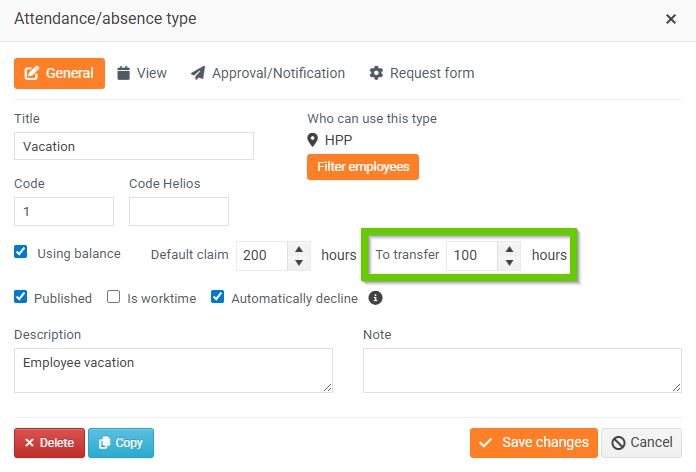
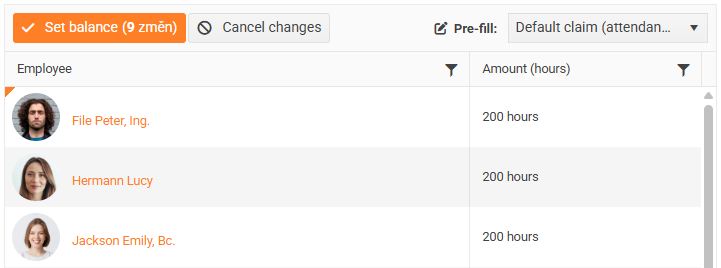
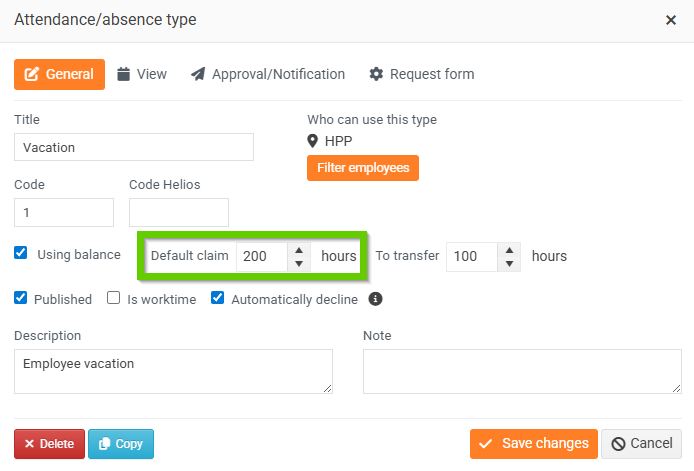
- Default claim (attendance/absence type) – balances for all employees are pre-filled uniformly with the value set for a specific absence type in the Default entitlement field (you can find this setting in the attendance/absence type details on the General tab).
Absence type:
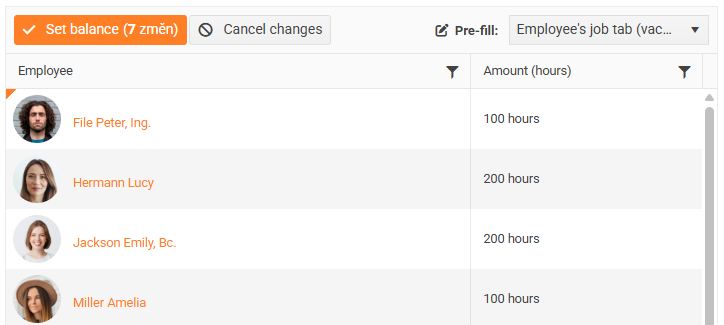
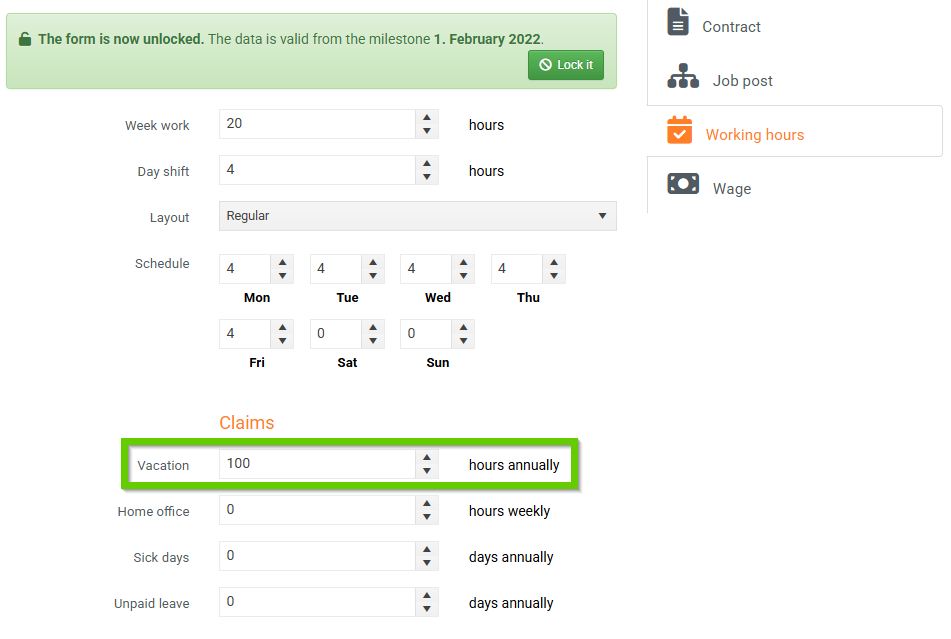
- Employee's job tab (vacation entitlement) – balances for all employees are filled with the individual value set in their profile on the Work data tab (you can find this setting in Employee profile > Work data tab > Working hours tab, Entitlements section, Vacation field).
Employee profile > Work details tab:
- You can combine balance-filling methods, for example by pre-filling the default entitlement for all employees according to the attendance/absence type and then manually adjusting the balance for selected employees.
- You must always save the filled-in balances by clicking the Set balance button. For your convenience, the number of changes that will be made is displayed directly on the button.

- Transferring the remaining vacation to the next year: The balance from the previous year is added to the balance set in this way on January 1 of the following year, up to the maximum amount defined in the Vacation configuration.