SSO module description

What is SSO?
SSO (Single Sign-On) is an authentication method that allows users to log in to multiple applications and systems simultaneously using a single set of credentials (e.g., a corporate account). The user authenticates only once and can then access various services without having to enter their password repeatedly.
In practice, this is a login method where the user logs in using an external identity instead of a separate password stored in the application.
Typically, login is used via:
- Microsoft
The user thus uses their company or Google account to access the HR system.
What is SSO used for?
SSO login brings several benefits:
- Easier login - the user does not have to remember another password to the system
- Higher security - passwords and security rules are managed by an external identity provider (e.g. Microsoft or Google)
- Central account management - the administrator can manage user access in one place.
SSO login types
The system supports two login modes:
1. External login
The user can only log in via an external identity.
They only see the SSO button on the login page.
Classic login with name and password is not available.
2. Hybrid login
A user can log in:
- using the login and password from the application
- or using SSO
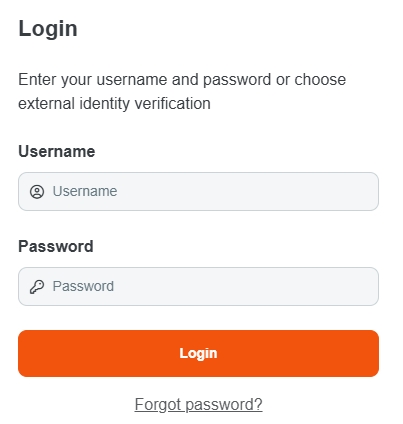
So on the login page they see:
- classic login form
- and SSO button
SSO activation
You can activate Single Sign-On in the administration panel.
For detailed instructions on how to activate the module, see the article: Activating add-on modules.
