Request resolution

Solving the request by one solver
The solver will receive an email notification that a request has been submitted for solving.
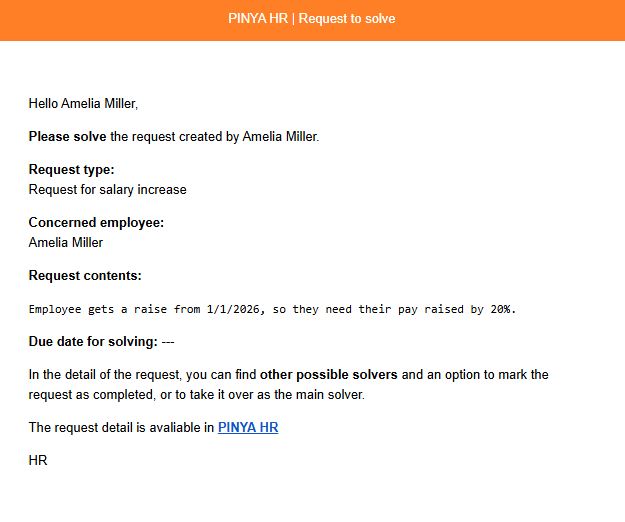
Using the link in the notification, you can go to the request details.
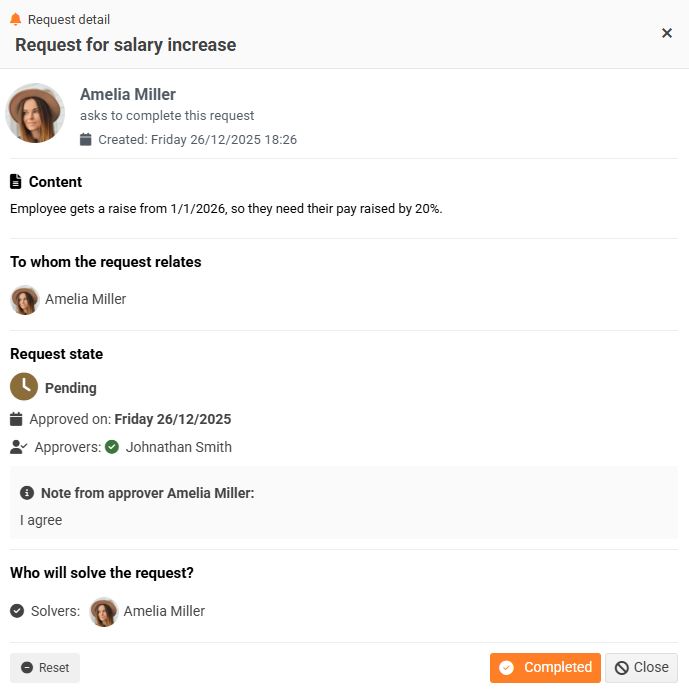
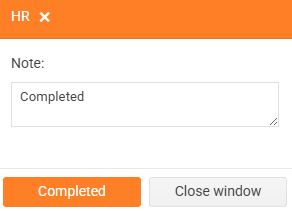
When the solver resolves the request, they click the Completed button. A window will appear where they can enter their comment (optional) and confirm completion.
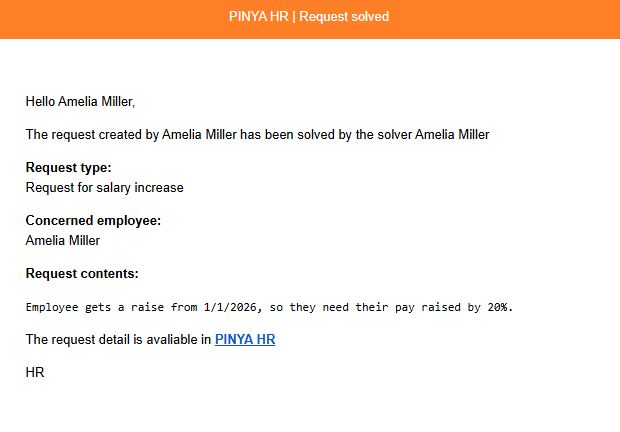
An email notification is automatically sent to the author that their request has been resolved.
The request status changes to Completed.

Solving a request by multiple solvers
All solvers will receive an email notification at the same time that a request has been assigned to them for solving.
Using the link provided in this notification, each of the solvers can go to the request details. The solver who first takes over the request marks it using the Take over request button.
2) Taking over does not lock the request for other solvers. This marking only indicates to others who is actually working on the request. Any solver can still complete a request that has been taken over by someone else.
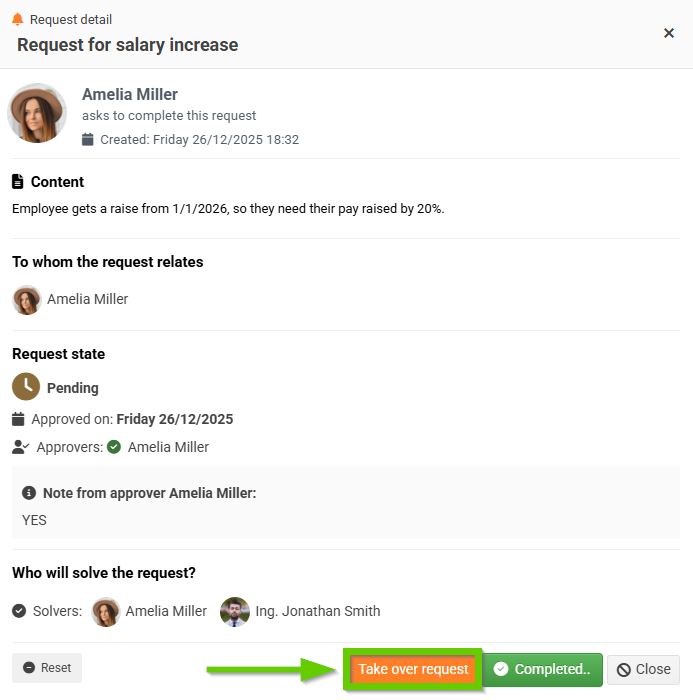
Other solvers will be notified that the request has been taken over by one of their colleagues.
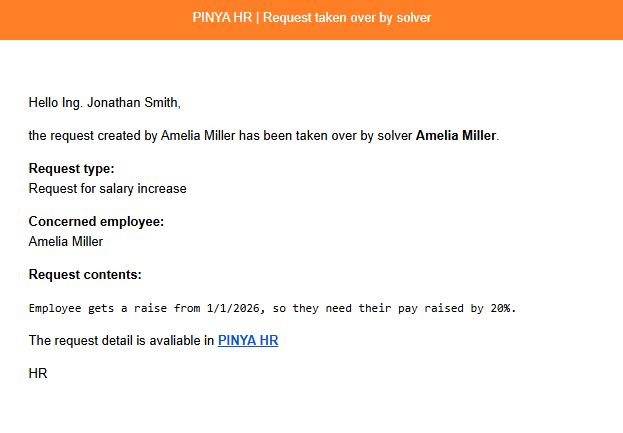
The taken-over request is still available to other solvers in the request overview, but it no longer appears as "Designated for me."
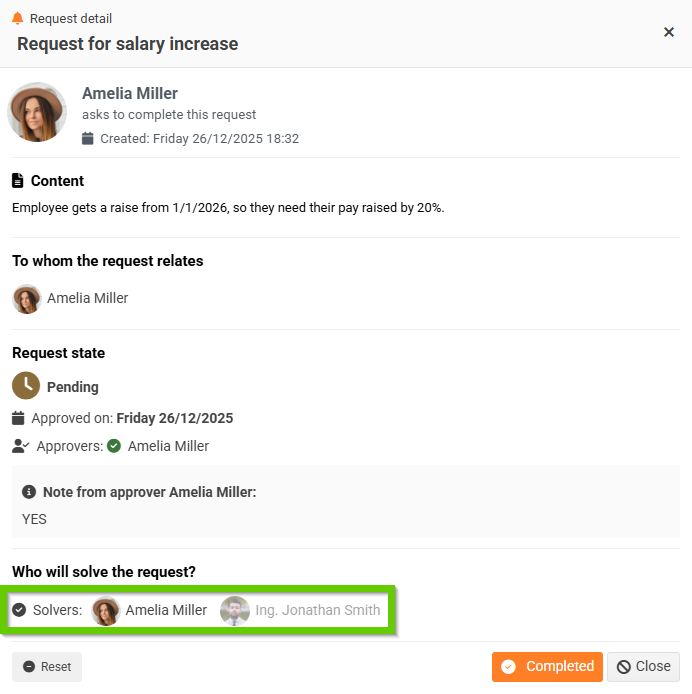
The request details show who has taken over the request. Other solvers will be notified of the request.
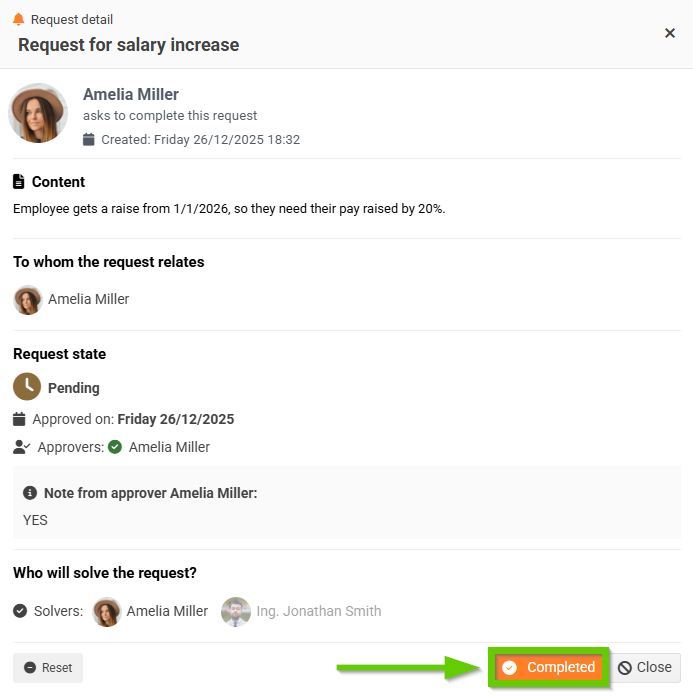
When the solver resolves the request, they click the Completed button.
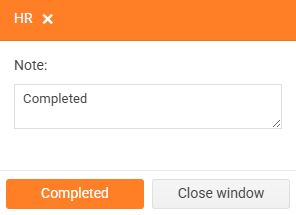
A window will appear where they can enter their comment and confirm completion.
An email notification will be automatically sent to other solvers and the author that the request has been resolved. Any other notified persons will also receive the same notification.
The request status changes to Completed.

