Signing up for work from the employee profile

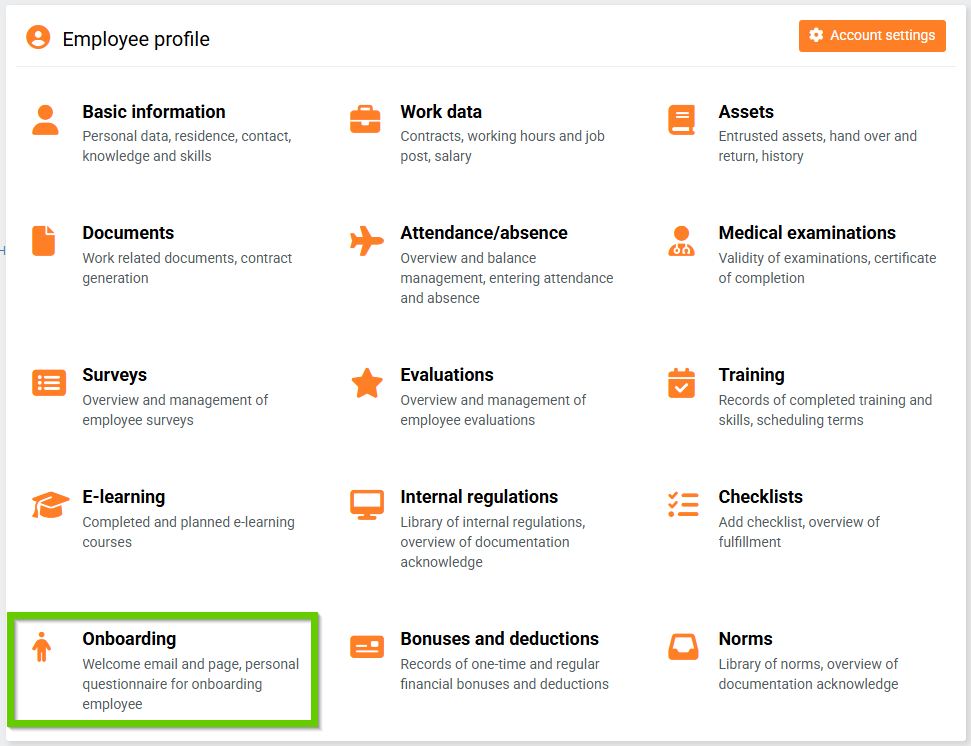
To enroll one specific employee, go to their profile and select the Onboarding tab.
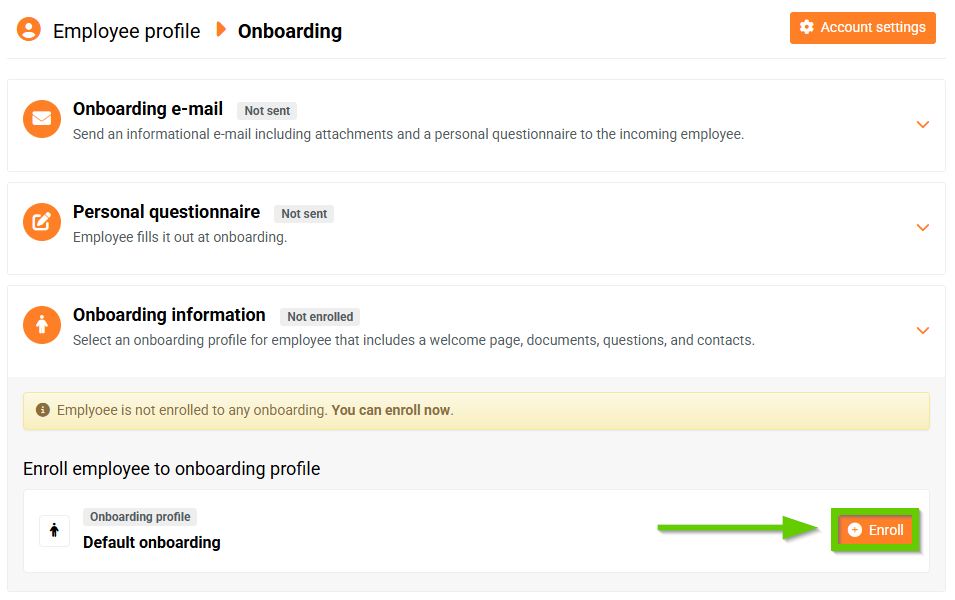
Here you can see all active onboardings. Select the onboarding you want to enroll the employee in and click the Enroll button.
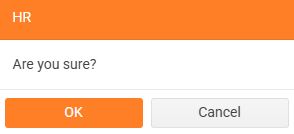
A warning will appear, which you must confirm.
On the day of joining, the employee will see a welcome page. You can check how the welcome page looks from the employee's perspective using the Preview as feature.
If you now go back to the Onboarding tab on the employee's profile, you will see that they are already enrolled and you can send them an onboarding email.
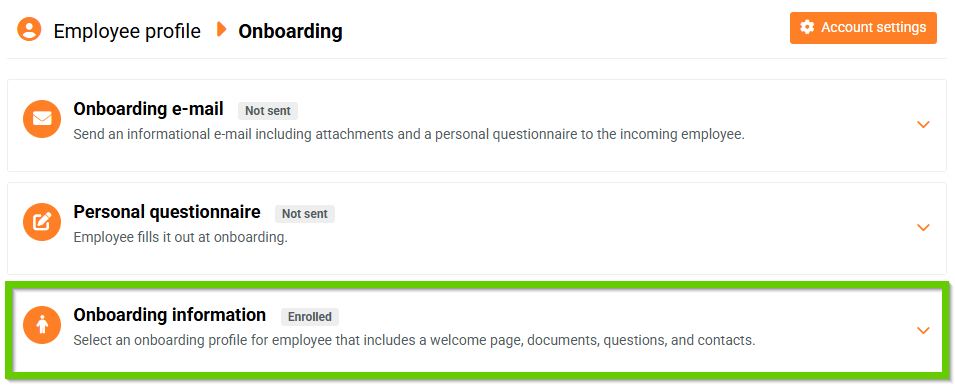
Enrolling in the onboarding process and sending the onboarding email are independent of each other. You can also send the onboarding email to (future) employees who are not yet enrolled in any onboarding profile.
