Setting attendance/absence types for DPP and DPČ

Reporting work
To report work, go to the main menu and select Attendance/absence > Attendance/absence types management > Add attendance/absence type.
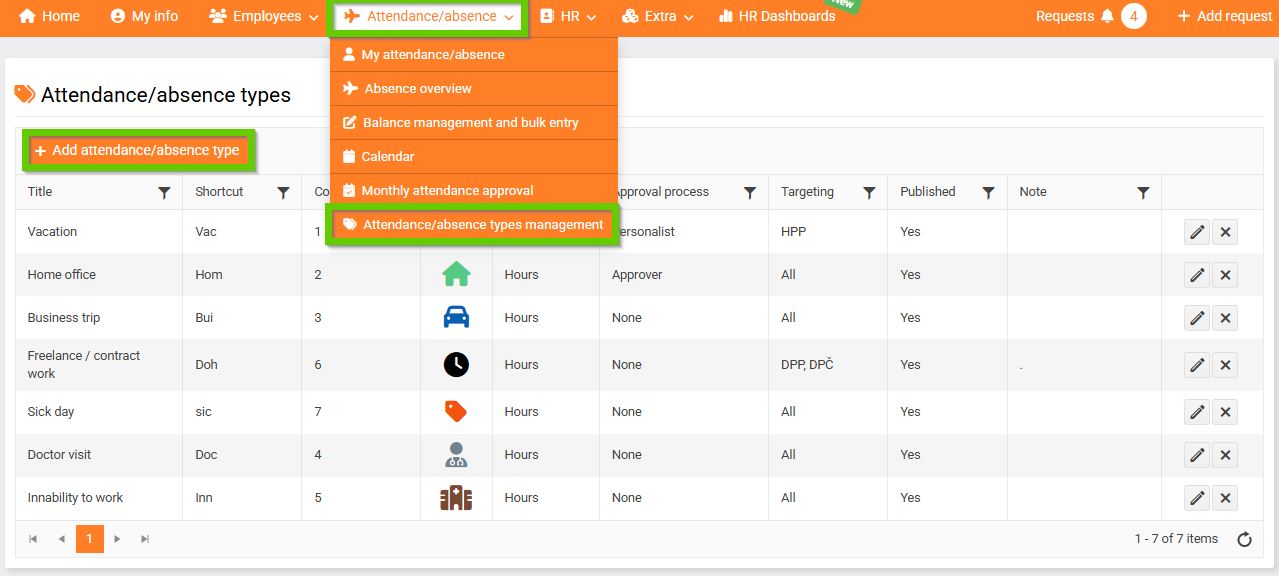
On the General tab, set:
- Title - DPP/DPČ work
- Who can use this type - select targeting: Contract types - DPP, DPČ
- Check Is worktime.
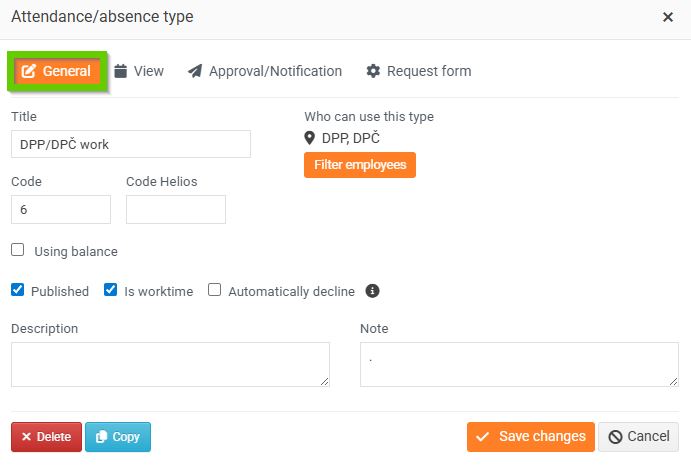
On the View tab, check In export and set a Shortcut.
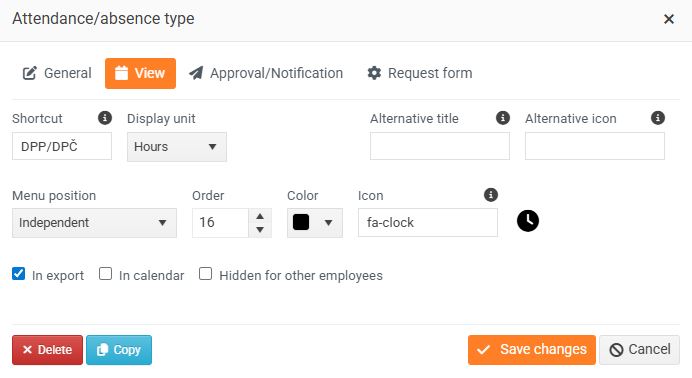
On the Approval/Notification tab, set as needed.
On the Request form tab, we recommend checking:
- Public holiday as workday – as needed, for example if the employee works shifts or on public holidays
- Simultaneously with others – for combinations with other attendance/absence types
- Allow to past – allows the employee to report work retroactively, for example for the entire past week
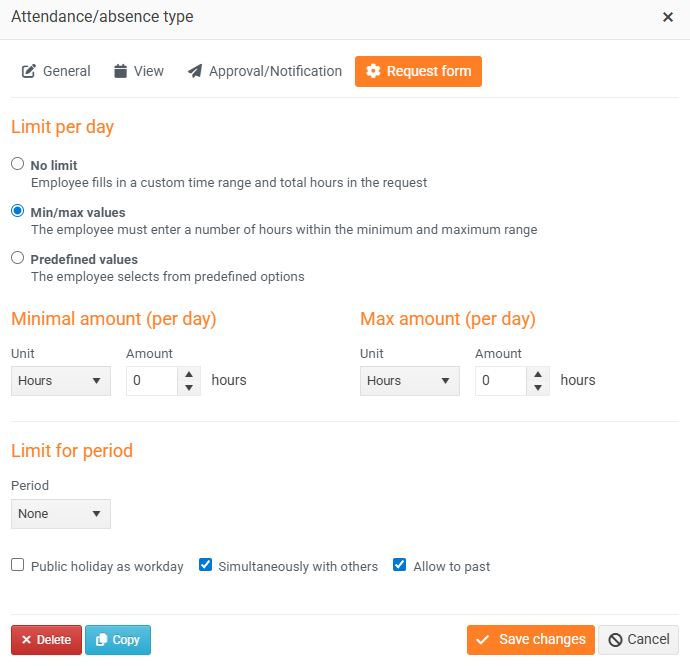
Save using the Save changes button.
Records of vacation usage
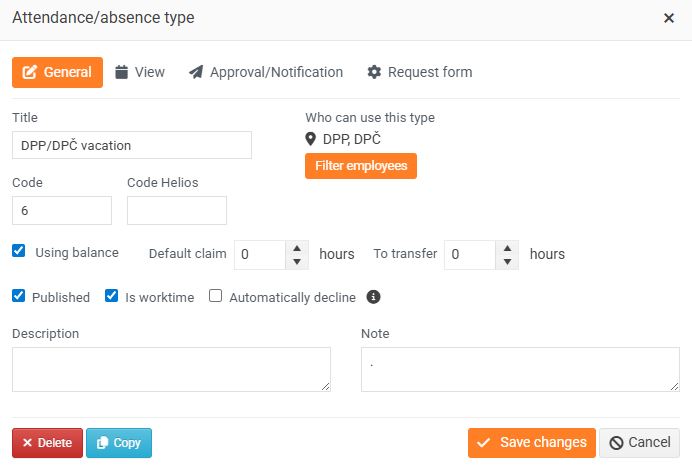
To record vacation taken, create the Attendance/absence type DPP/DPČ Vacation with the following settings:
On the General tab, set:
- Title - DPP/DPČ vacation
- Who can use this type - select targeting: Contract types - DPP, DPČ
- check Using balance
On the View tab, set a Shortcut.
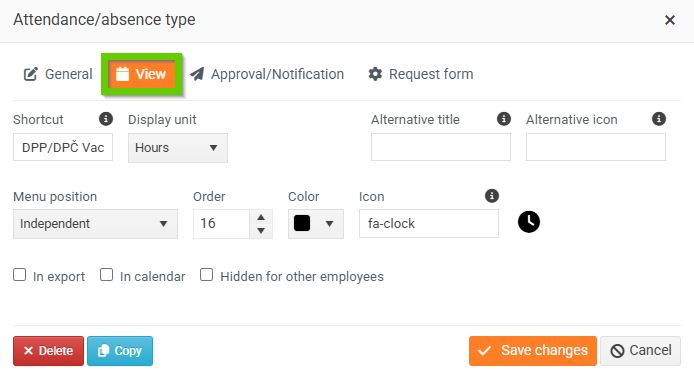
Save using the Save changes button.
