Enrollment of employees in bulk

To enroll employees in bulk, go to the HR tab > Onboarding module.
Here, select the employees you want to enroll and click the Enroll selected employees button.
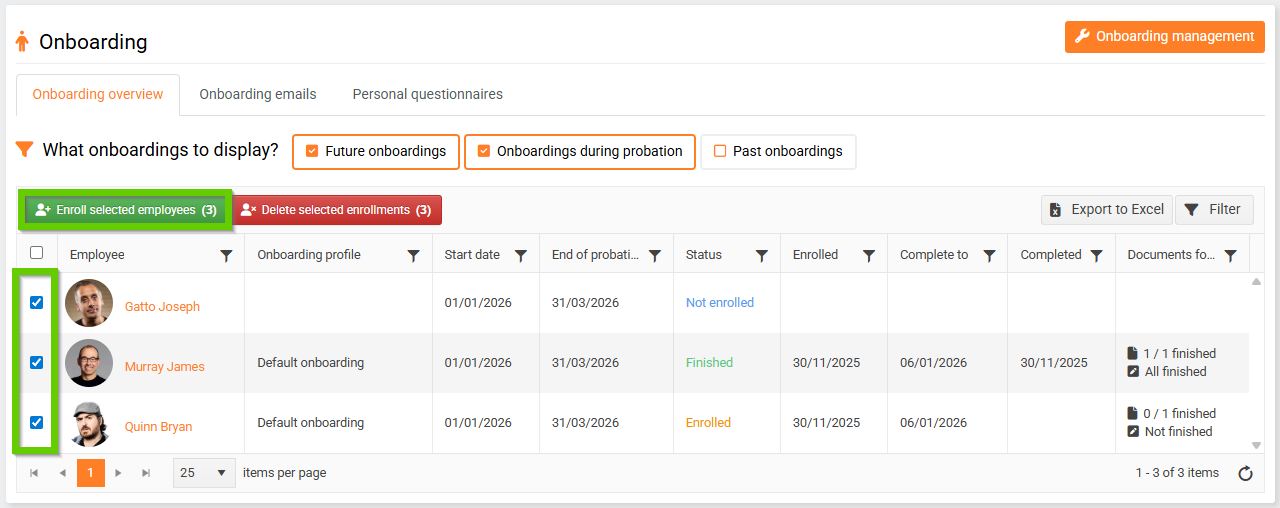
Then select the start date you want to enroll the selected employees in and confirm your selection.

The status of the selected employees will change from Not enrolled to Enrolled.
On the day of joining, the employee will see a welcome page. You can check how the welcome page looks from the employee's perspective using the Preview as feature.
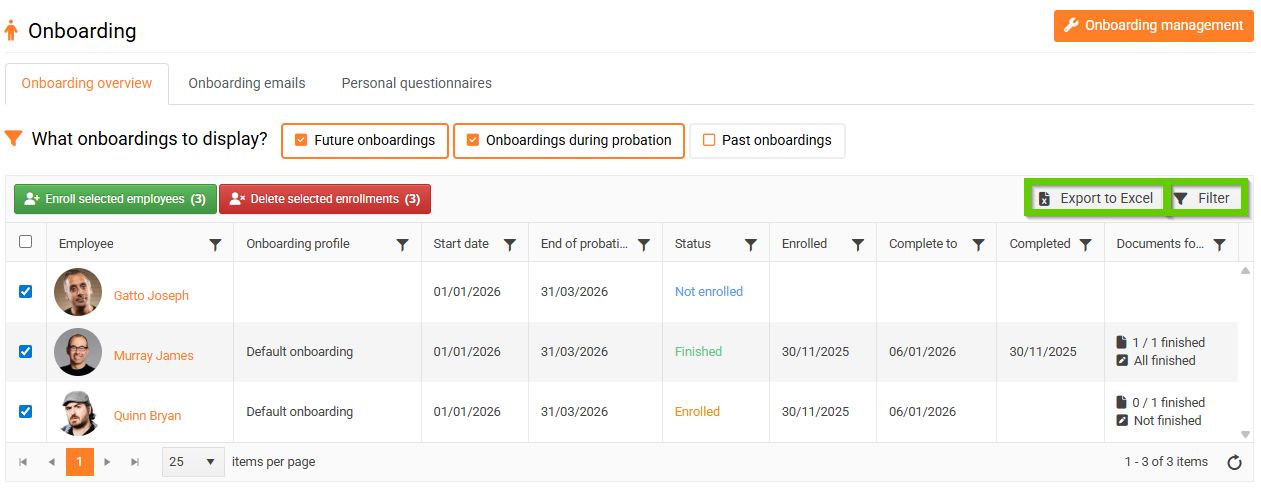
You can export all employee onboarding information to Excel (1).
You can use the Filter button (2) to search for the necessary records.