Default requests

A general request is a specific type of request:
- anyone can create a general request
- not subject to approval
- the applicant chooses the person to resolve the request
General Request Template
This type of request is already preset in the Pinya HR system. Its template can be found in Settings > Request templates > Category: general.
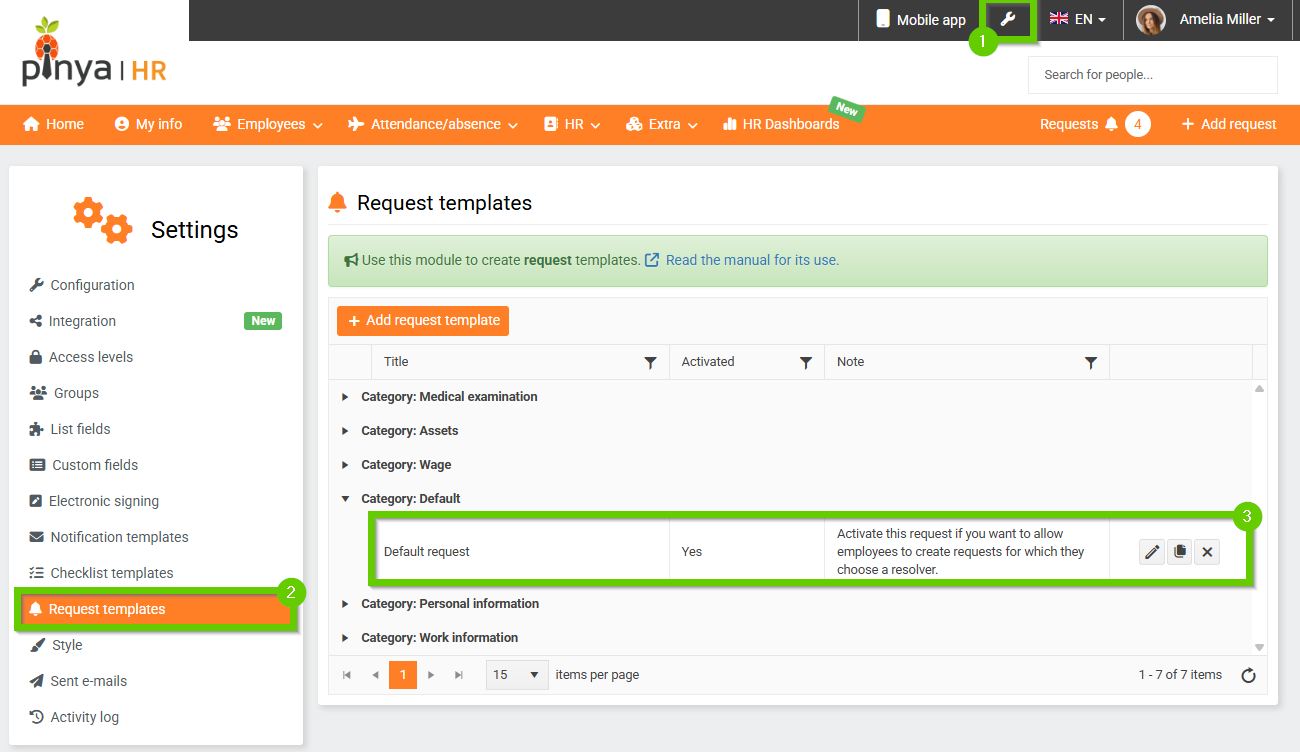
The form consists of several parts:
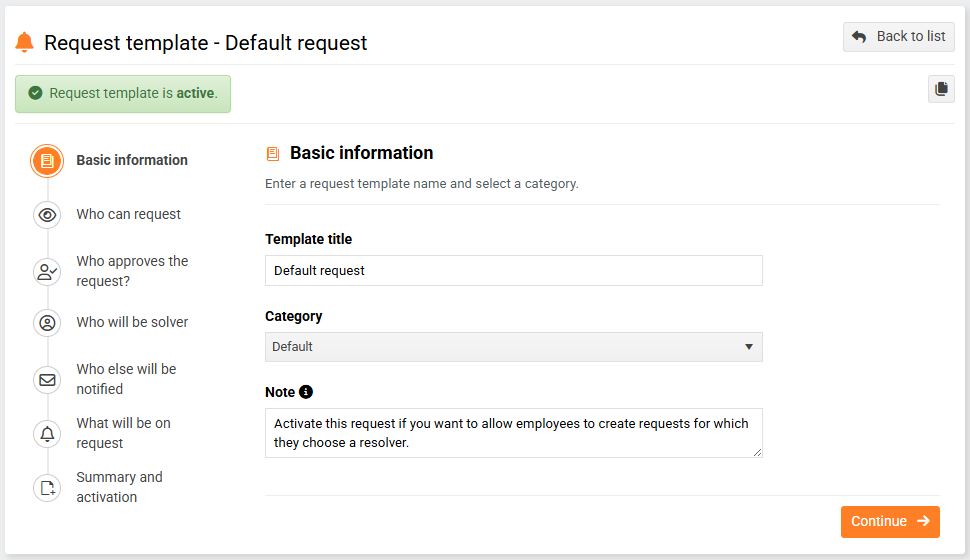
1. Basic data
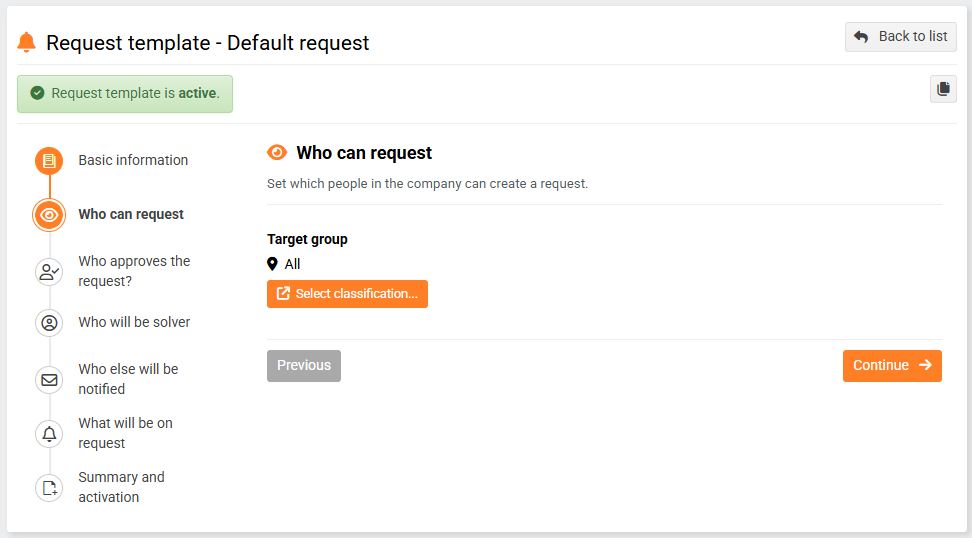
2. Who can apply?
Anyone can create a new general request r→ Target group = everyone.
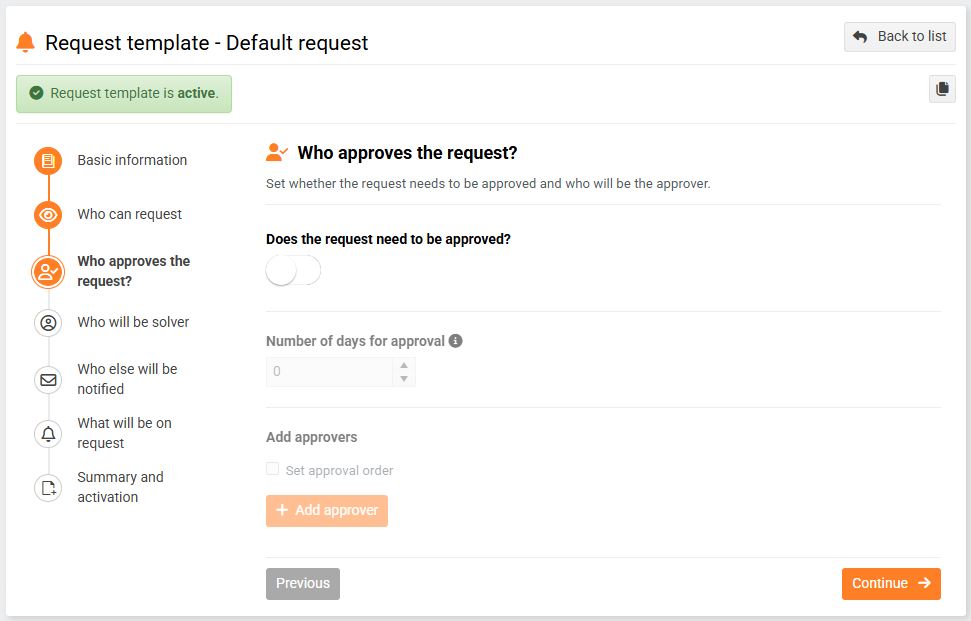
3. Who approves the request?
This type of request is not subject to approval, so the Request requires approval? switch is turned off.
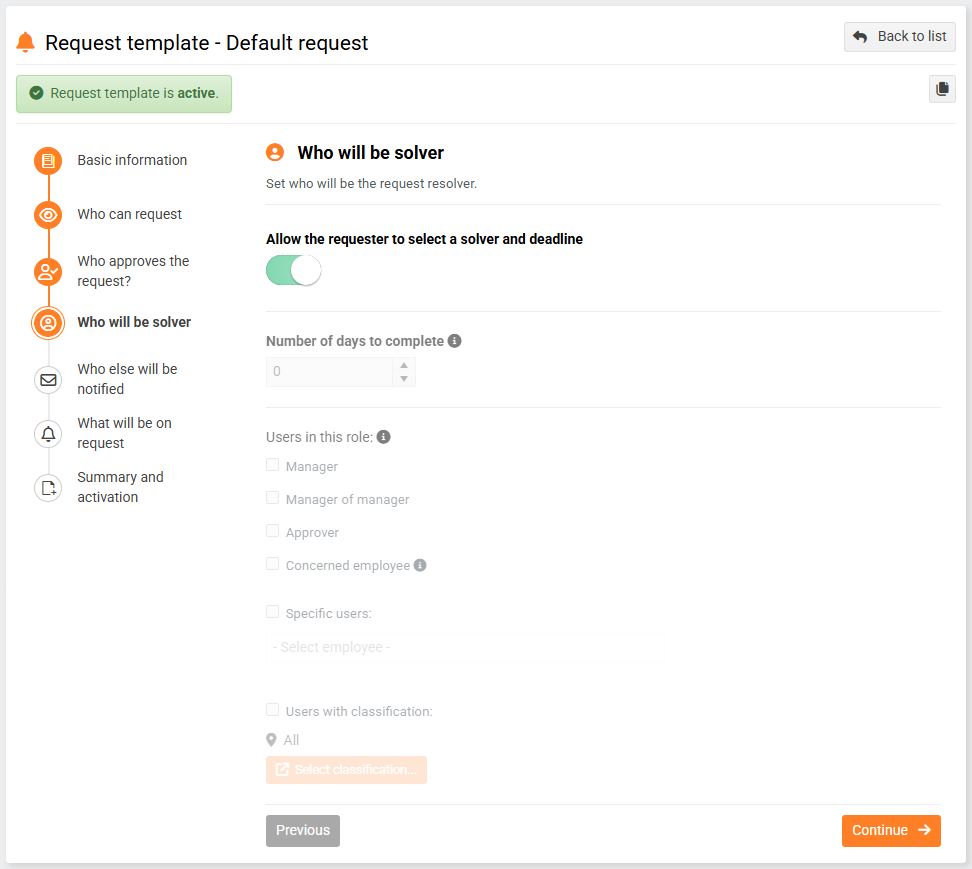
4. Who will be the solver?
The person responsible for resolving a general request is always the person designated by the applicant.
Creating a new general request
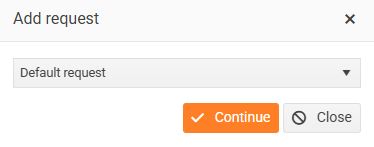
To create a general request, click either the Add Request button on the main bar or the Add New Request button in the Requests module.

In the window that appears, select the General Request option and click Continue.
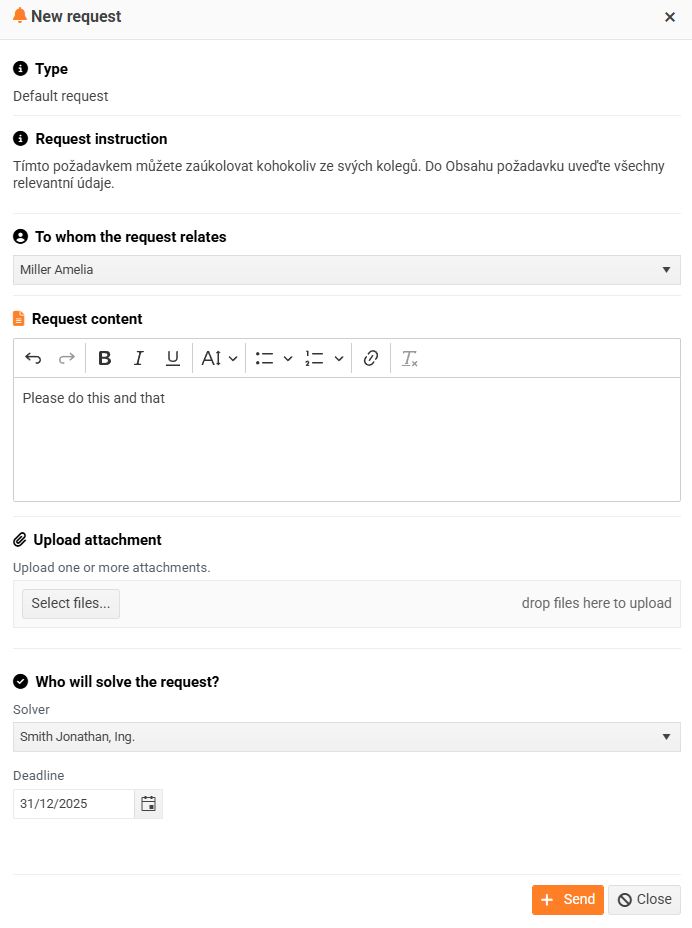
In the displayed form, fill in all required fields (follow the instructions) and then click the Submit button.
The registered request appears in the request panel and is in the Pending status.

