Closing and deleting a tender

If you have found a suitable candidate for the selected position, you can close the selection process.
Go to the tab of the selected tender (by clicking on its name in the list of tenders).
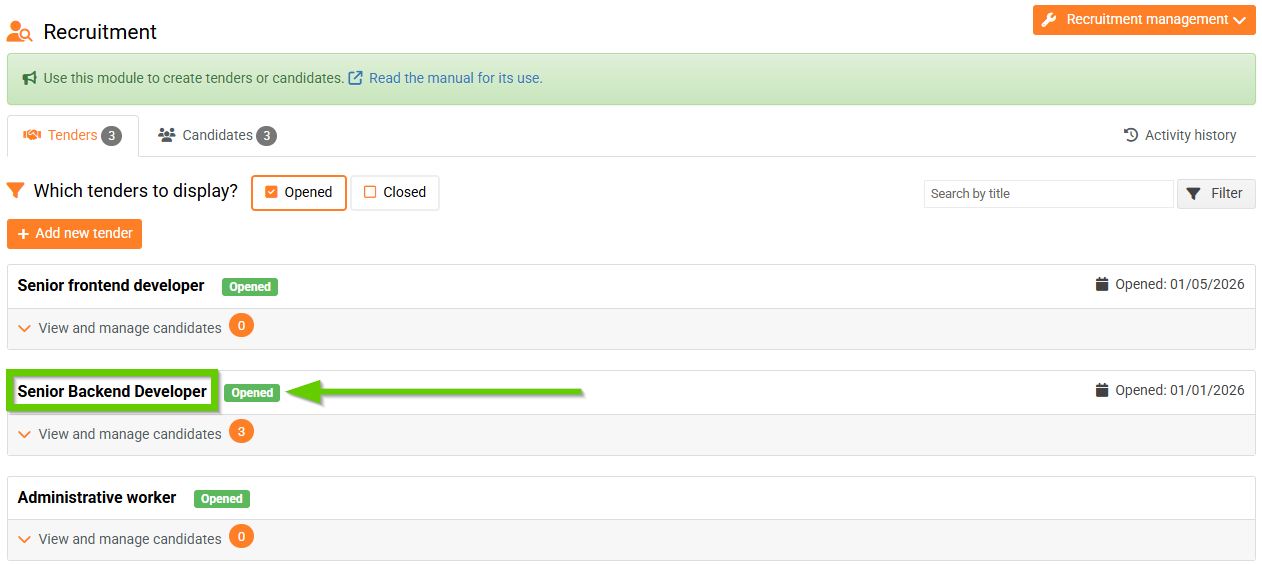
Then click the Options button and select Close.

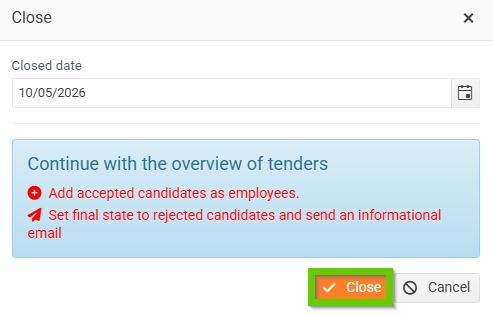
If you want to not only close the selection procedure, but also directly delete it from the PINYA HR environment, select the Close option.
