Cancel and delete a request

In general, requests can be canceled or deleted by users who have the Delete permission set for requests.

Canceling a request
If the request is in the status For approval or For processing, authorized persons see the Reset button in the request detail.
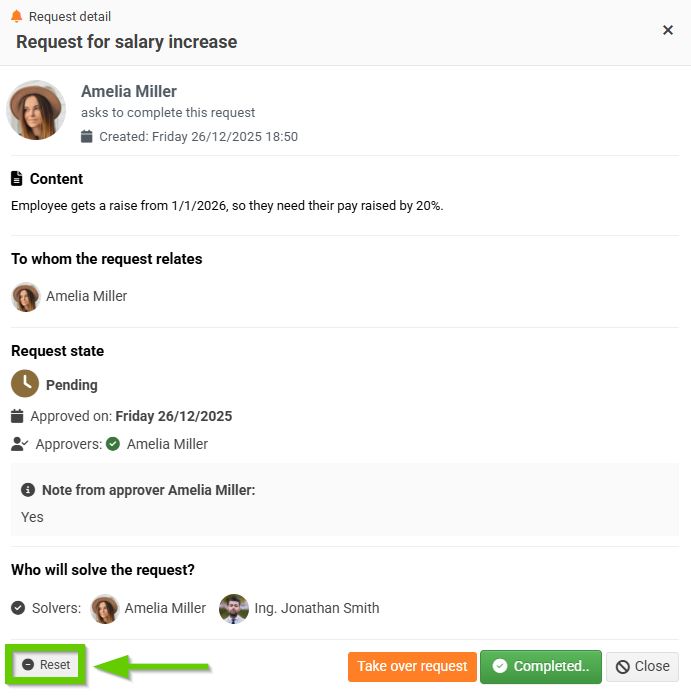
After clicking the Reset button, a window for filling in Notes will appear. The note is mandatory if the request is cancelled by the investigator.
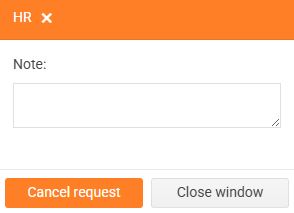
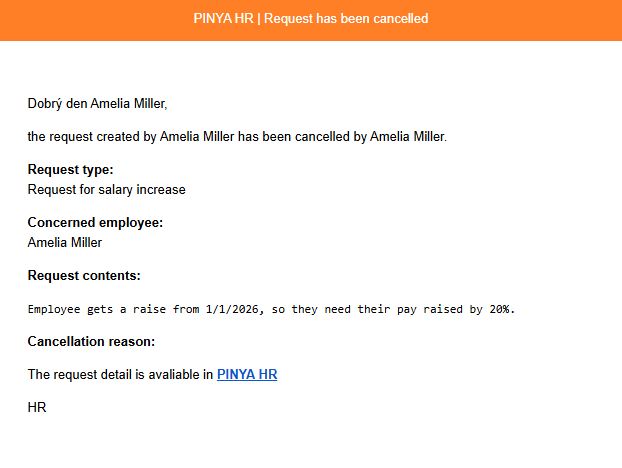
After filling in the note and confirming the cancellation, the request will be cancelled. A cancellation notification will be automatically sent to the author and other people involved in the process.
The request status will change to Canceled.

Deleting a request
If the request is in the Completed or Canceled status, authorized persons see the Delete button on the request detail.
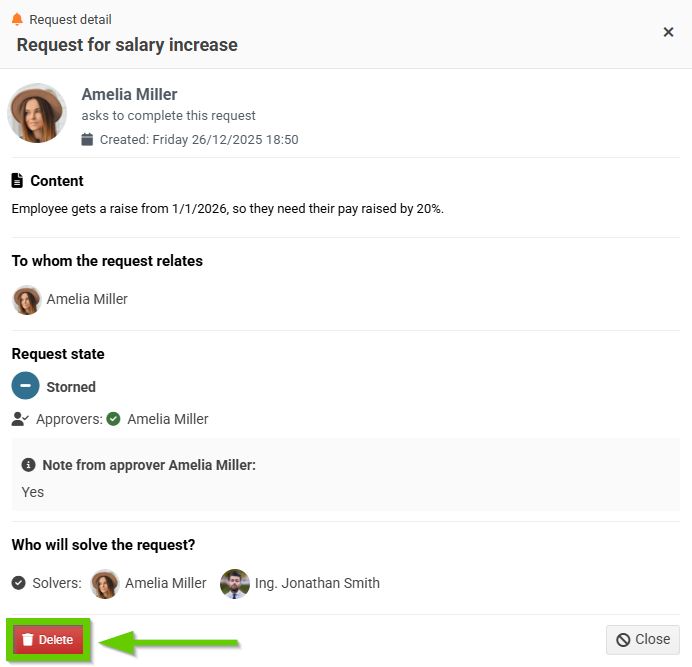
After clicking the delete button, a message will appear:
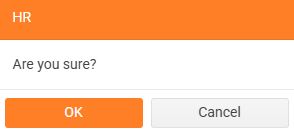
After confirmation, the request will be deleted. No one will be notified of the deletion of the request.
