Viewing an employee's personal questionnaire

In PINYA HR, you can view an employee's personal questionnaire (e.g. to check which data the incoming employee has already filled in), either:
- on the employee's profile
- in the Onboarding module - only the completed personal questionnaire can be displayed
1. Displaying a personal questionnaire on the employee's profile
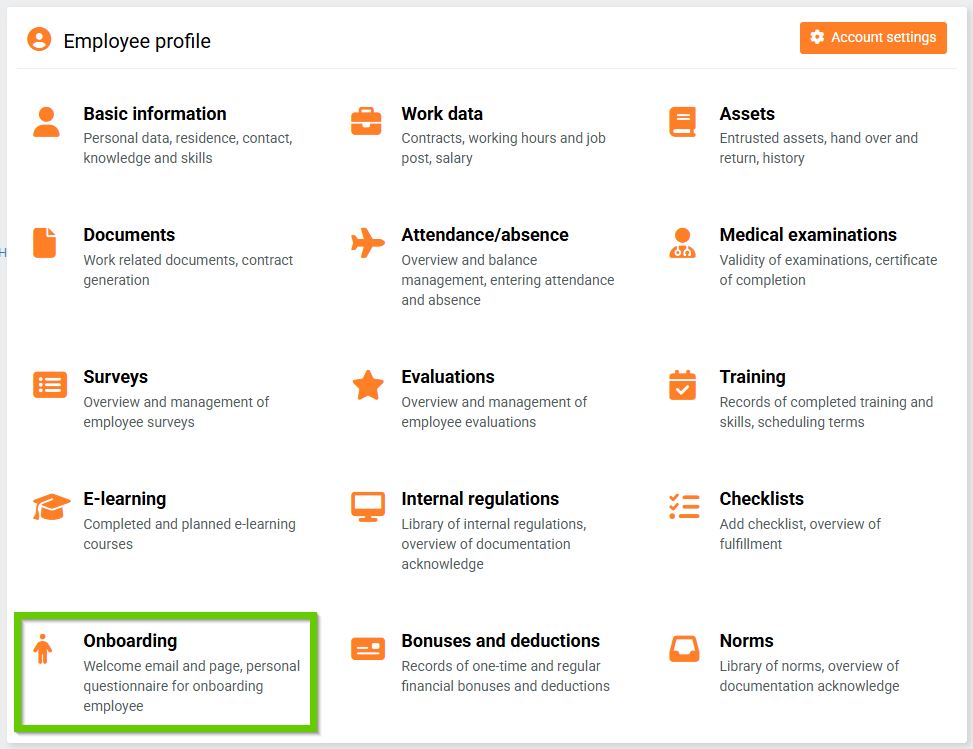
- Open the Onboarding tab on the employee's profile.
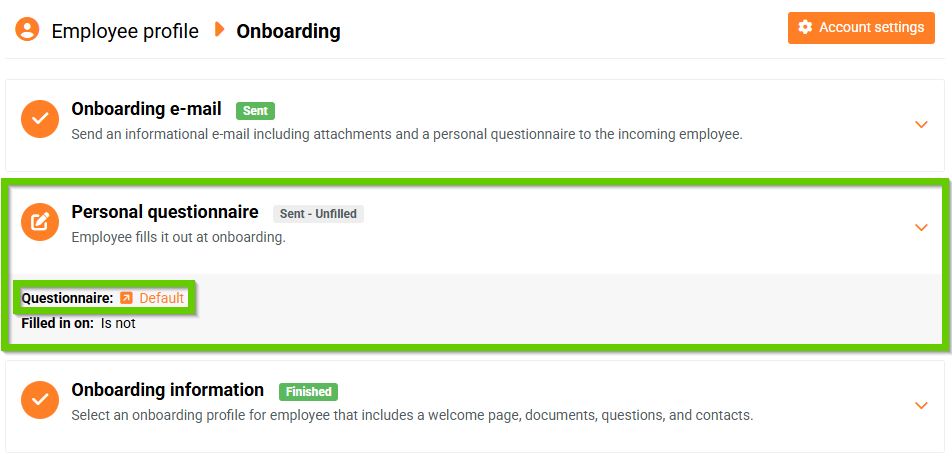
- On the Onboarding tab, click the arrow icon in the Personal questionnaire section.
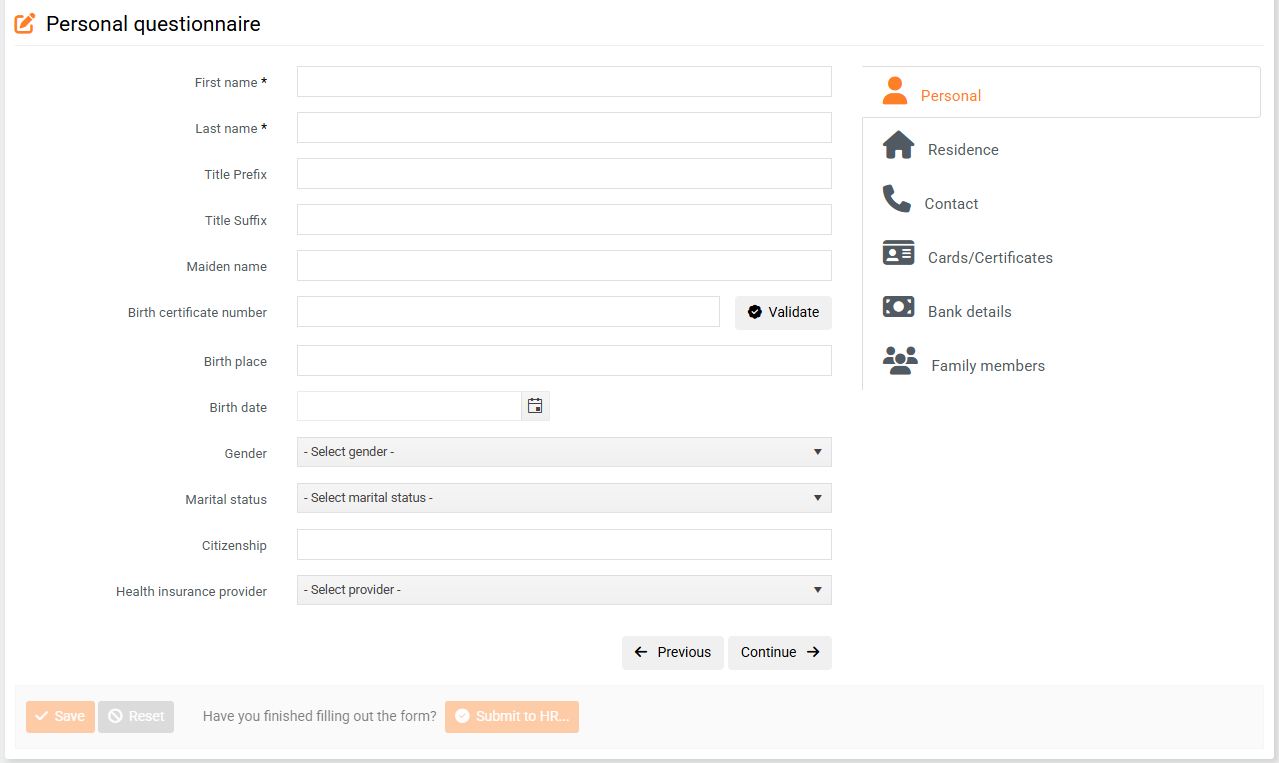
- Within the personal questionnaire, the employee will be presented with the following tabs to fill out:
2. Viewing the personal questionnaire in the Onboarding module
- In the main menu, go to the HR > Onboarding > Personal questionnaires tab.
- In the overview, you can see which employees have already completed their personal questionnaire. An eye icon is displayed for such employees. After clicking on it, the details of the completed questionnaire will be displayed.
- You can directly export the completed questionnaire to PDF.
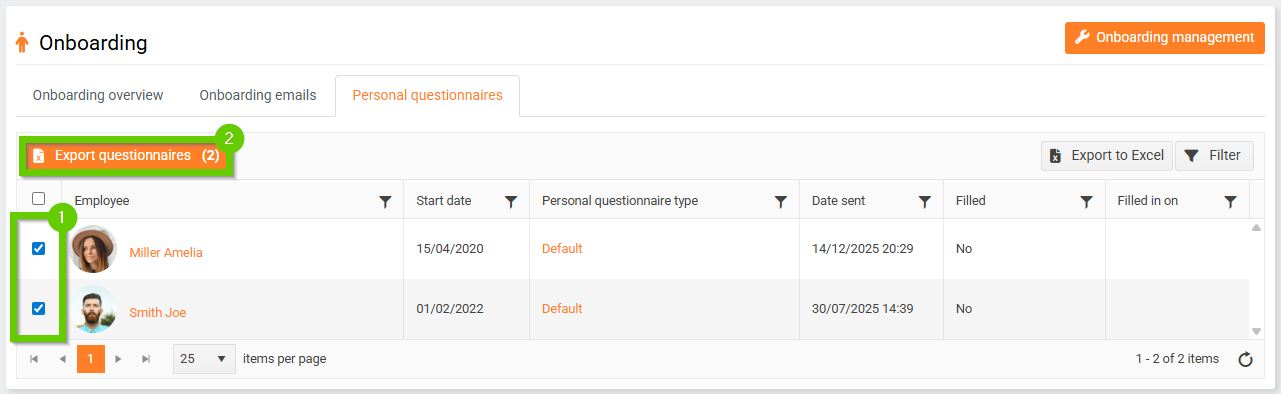
If you want to export multiple questionnaires to PDF at once, select them (1) in the personal questionnaires overview and click Export questionnaires (2).