Request approval

Single approver approval process
The approver will receive an email notification that an approval request has been submitted.
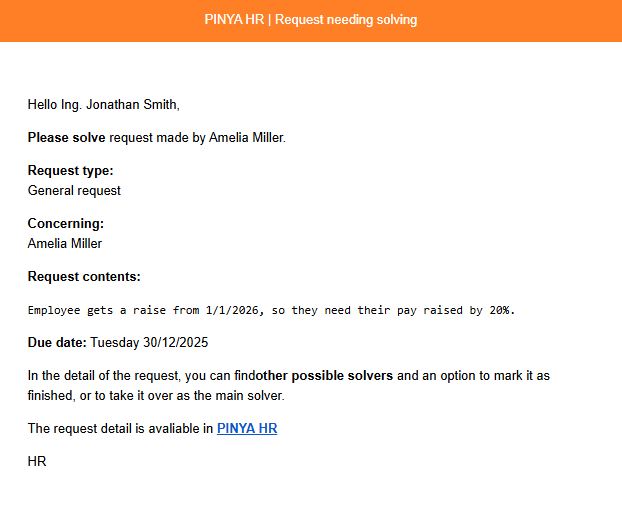
Using the link provided, they can go to the request details. Here they have the option to either approve or reject the request:
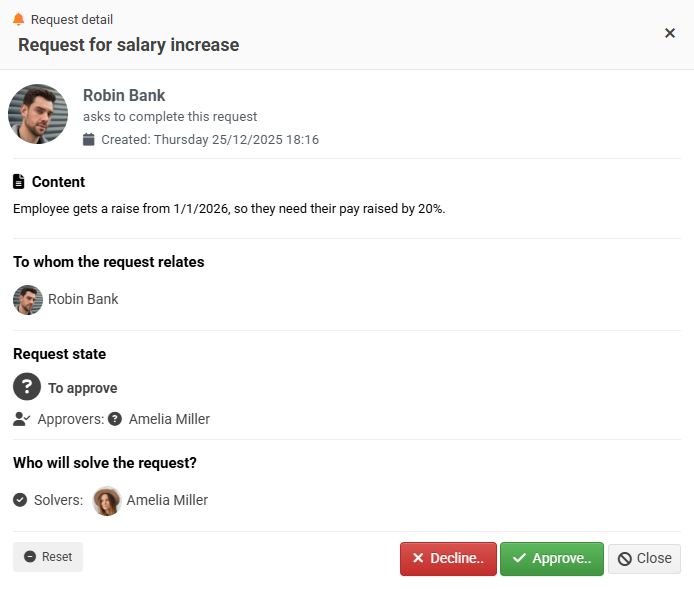
1. Request approval
If the approver selects the approve option, a window will appear where the approver can add their comment to the request (optional) and then confirm it by clicking the Approve button.

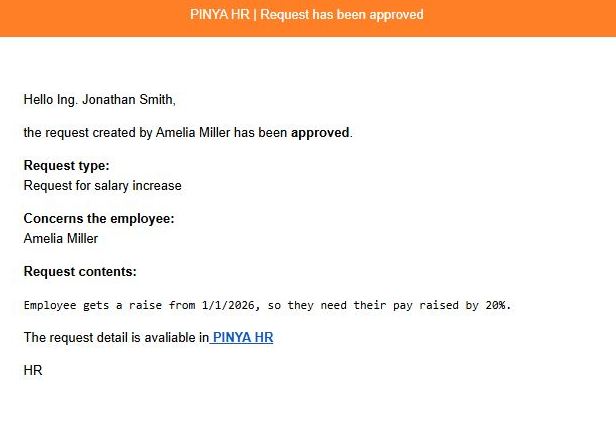
An email notification is automatically sent to the author that their request has been approved. At the same time, a notification is also sent to the solver(s) and/or other notified persons.
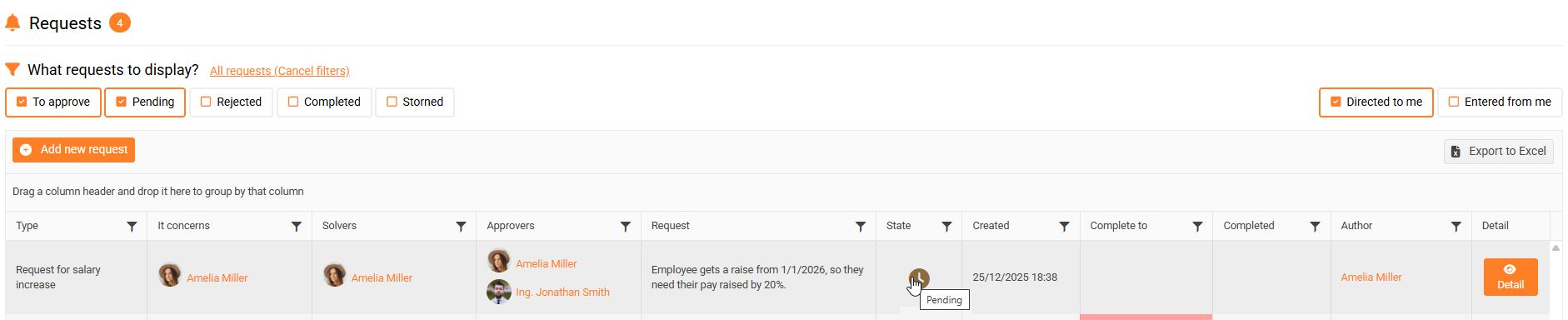
The request status will change to Pending.

2. Rejection of the request
If the approver selects the reject option, a window will appear where the approver can add their comment to the request (optional) and then reject it.

The requester will receive an email notification that their request has been rejected. The same notification is also sent to any other notified persons.
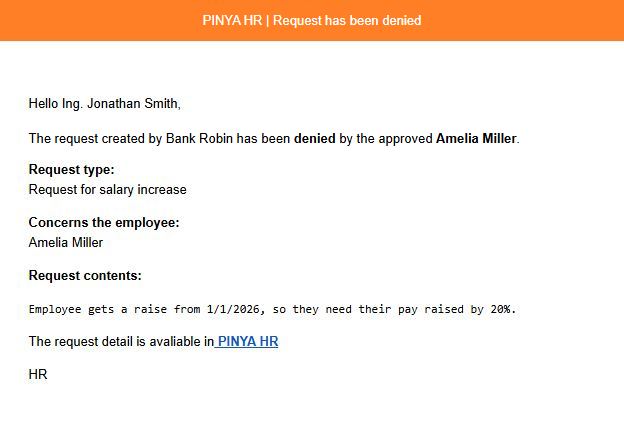
The request status changes to Rejected and the process is over.

Approval process by multiple approvers - in a specified order
- The template defines the order in which approvers should approve the request. In practice, this means that the first approver will receive an email notification that a request has been submitted to them for approval. The notification is the same as in the case of a single approver (see description above).
Using the link in the notification, the approver can go to the request details. Here, they have the option to either approve or reject the request.
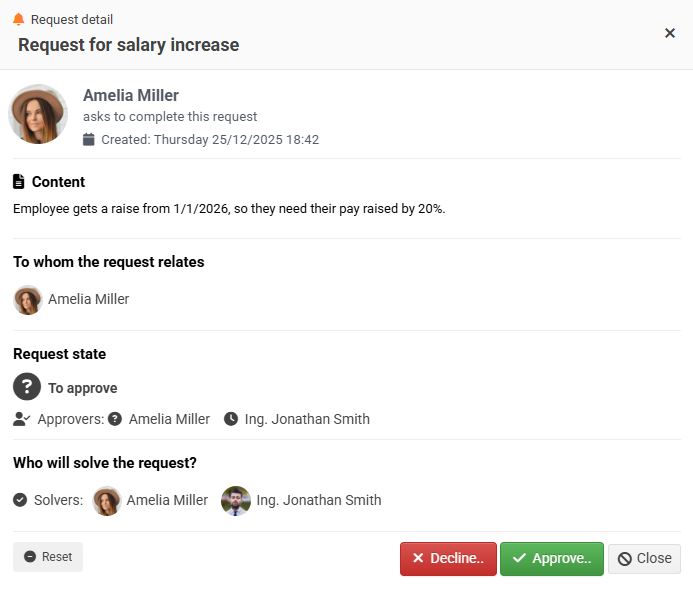
If the first approver selects the approve option, a window will appear where the approver can add their comment to the request and then confirm it by clicking the Approve button.

- Only now will an email notification be sent to the second approver that a request for approval has been submitted to them. The approver can again use the link in the email to go to the request details.
Here you can see that the request has already been approved by one approver.
The second approver also has the option to either approve or reject the request.
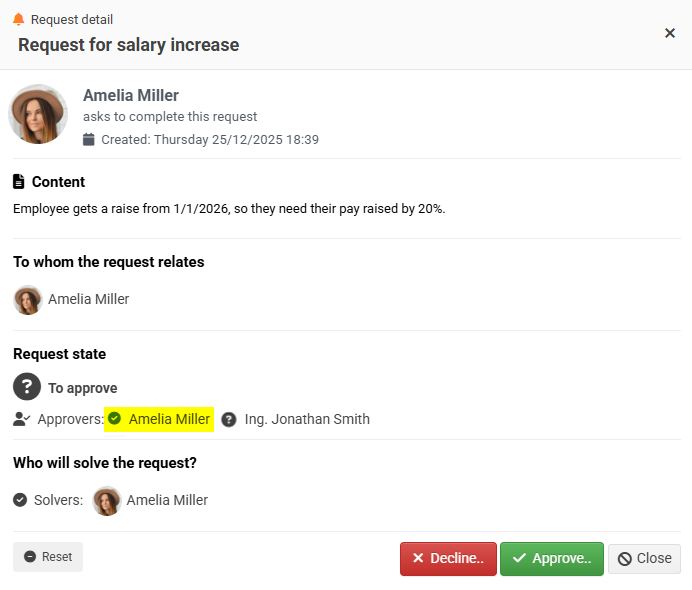
If the second approver also decides to approve the request, a window will appear where the approver can add their comment to the request and then confirm it by clicking the Approve button.
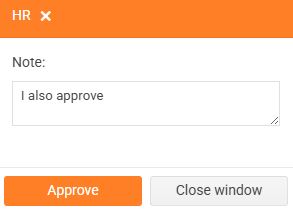
- The approval process continues in the same way for all approvers defined in the template.
- After approval by the last approver , an email notification is automatically sent to the author that their request has been approved. The same notification is also sent to any other notified persons. The solver(s) will receive an email notification with a request to resolve the approved request.
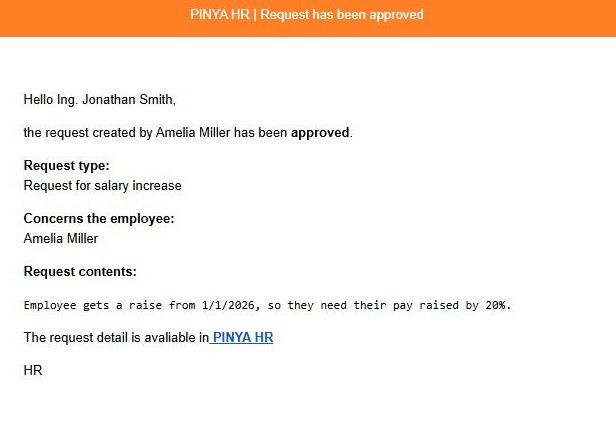
When all approvers approve the request, its status will change to Pending.
Approval process with multiple approvers - parallel approval
If the template does not define the order in which approvers should approve the request, everyone will receive an email notification about the request waiting for approval at the same time. Approvers therefore approve the request independently of each other. The rest of the process is identical to approval by multiple approvers - in the specified order. When all approvers approve the request, its status will change to Pending.
