Setting up the organizational structure

To set the organizational structure, click the ORG structure settings button.
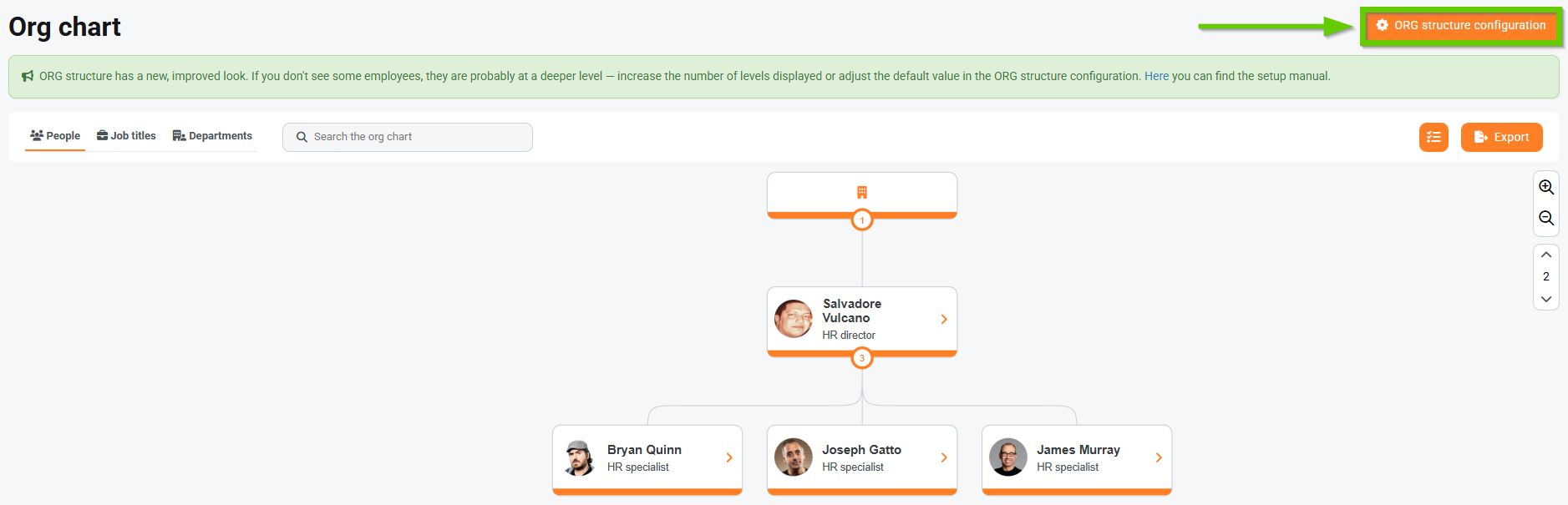
On the left side of the screen there is a signpost that allows you to configure the ORG structure according to your needs.
The following sections are available:
- Default ORG structure settings
- Configuration of root nodes
- Configuration of departments and job titles
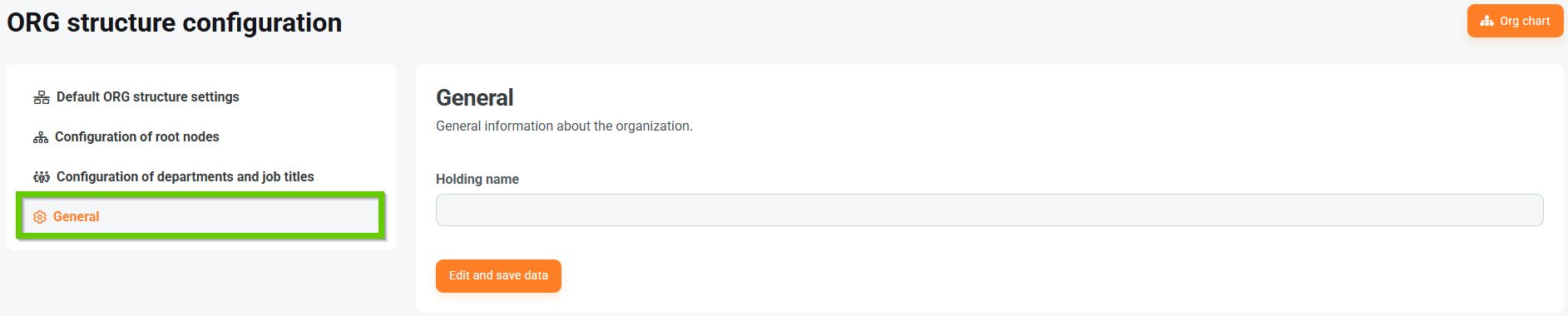
- General
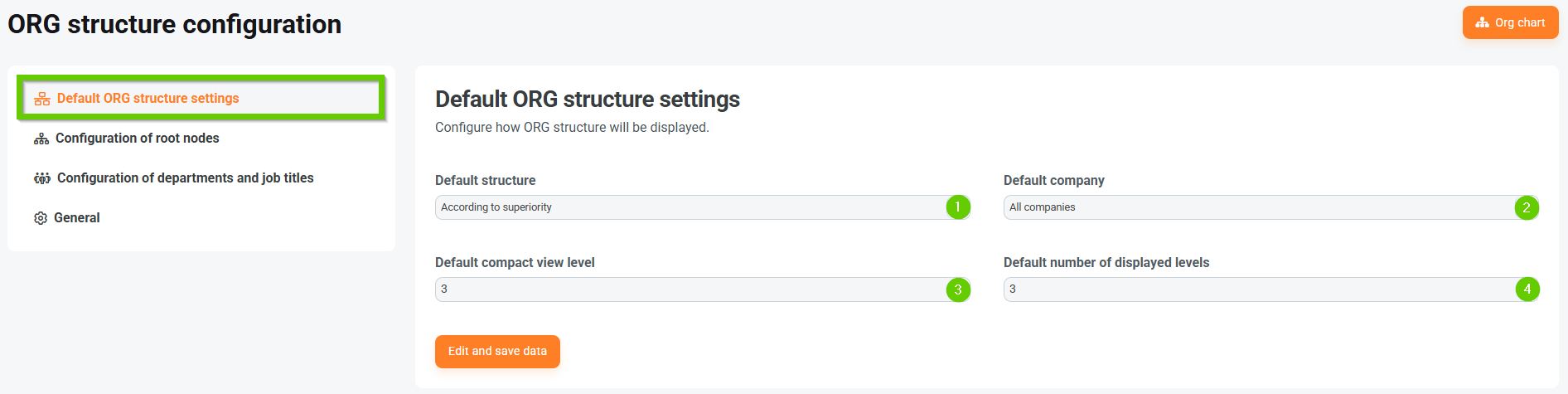
Default rendering of organizational structure
Here you can set how the organizational structure will be rendered.
You can set:
- Default structure type
- according to superior authority
- by job position
- by department
- Default company
- all companies
- according to current user
- selection of a specific company
- Default compact rendering level
- Default number of levels displayed
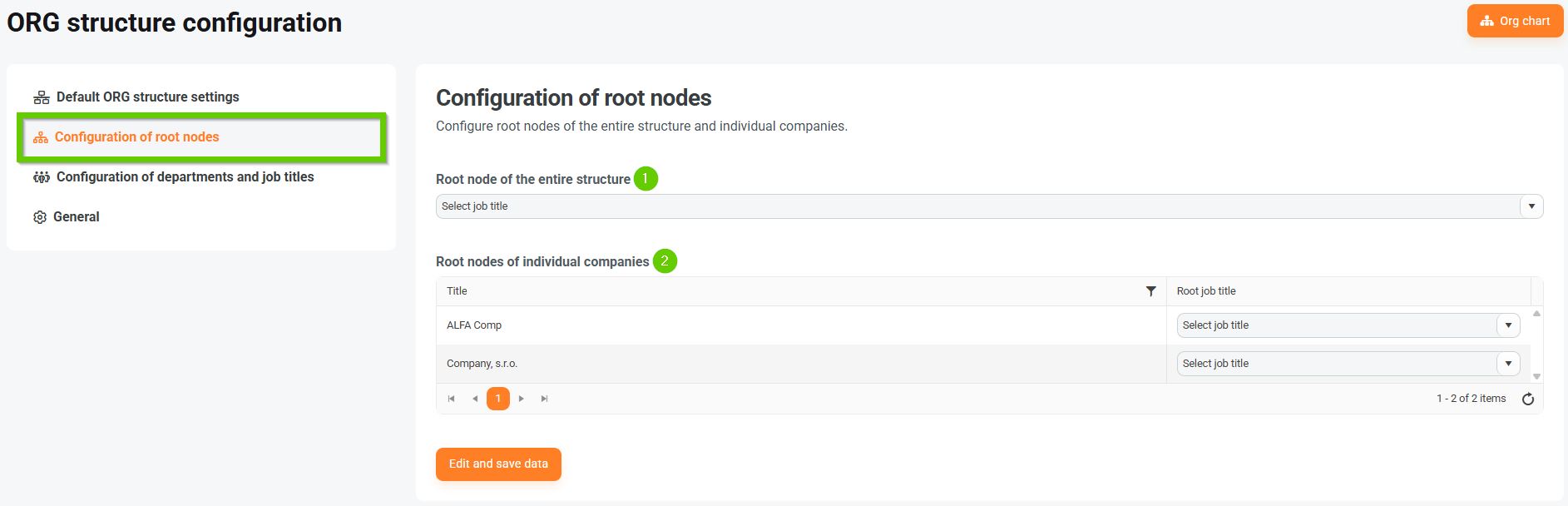
Setting up root nodes
Here you can set the roots of the entire structure and individual companies.
- The root node of the entire structure
- Root nodes of individual companies
Setting up departments and job titles
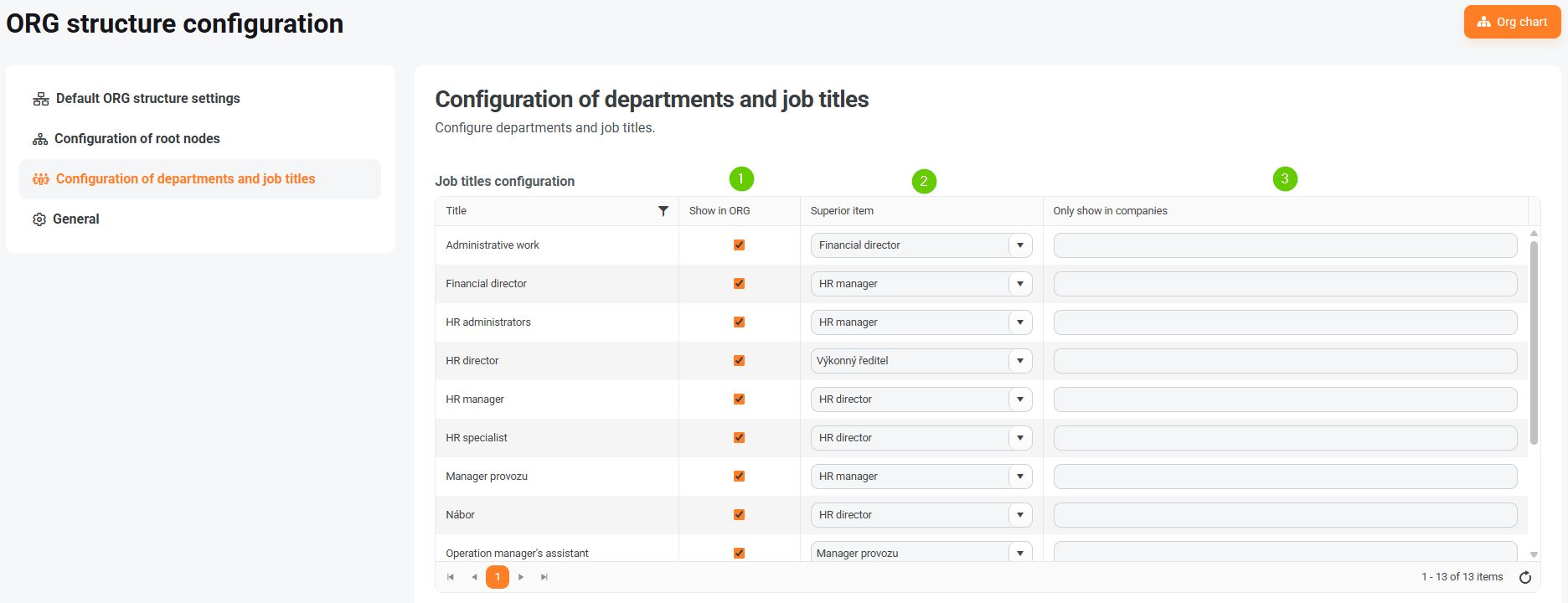
Here you can set up departments and job positions.
For both job positions and departments, you can define:
- whether you want to display the given position/department in the organizational structure
- parent item
- whether you want to display the given position/department only at a specific company
You can also set the order in which departments are displayed. Click the arrows next to the department name and drag it to the desired location.

In general
Here you can set the name of the holding company.