Setting vacation balance

Set the calculated vacation entitlement as the vacation balance for the relevant worker
(either all at once or gradually - see the article Calculation of holiday entitlement).
Go to Employee profile > Attendance/absence tab > Balance management tab.
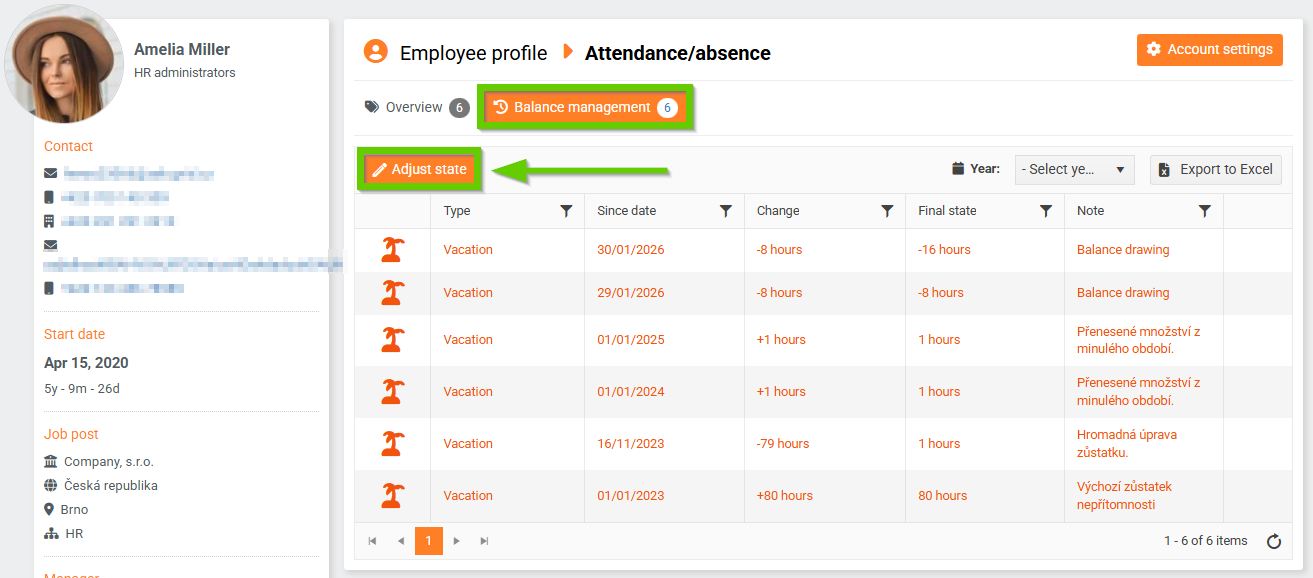
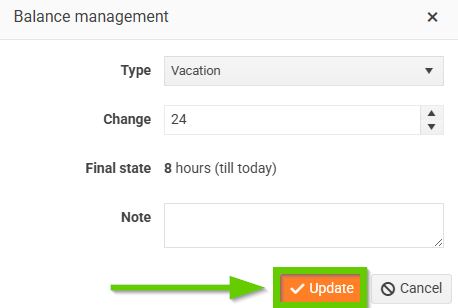
Click the Adjust state button. In the form, select the absence type Vacation and enter the number of hours the employee is entitled to. Save.
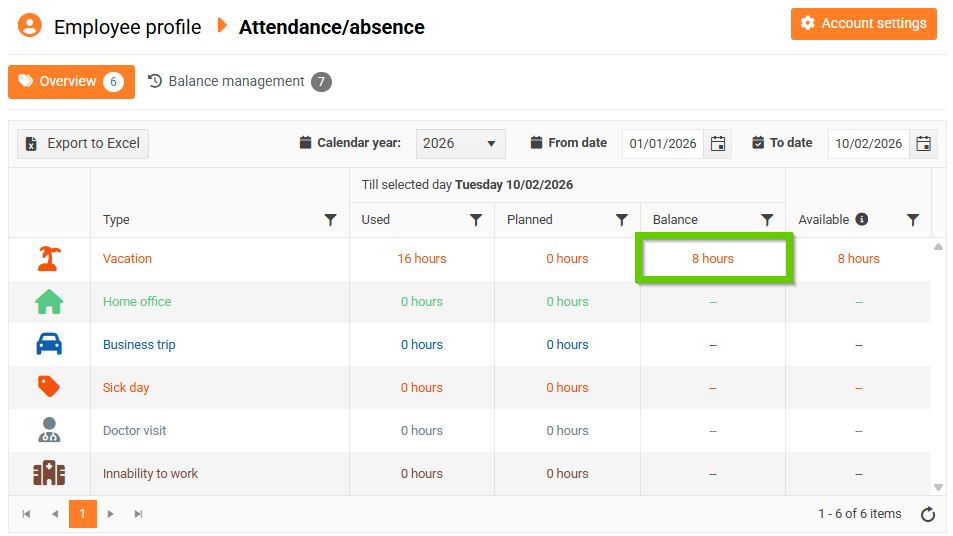
You can then see the set vacation balance in the Attendance/absence overview: