Report management

You can find the created reports in the report management list (Fig. 1).

(Fig. 1)
Click on the report name to go to its details (Fig. 2). In the details, you will find the completed information related to the selected report.
To view the report, go to Report Preview. To view the preview, click the Options button.
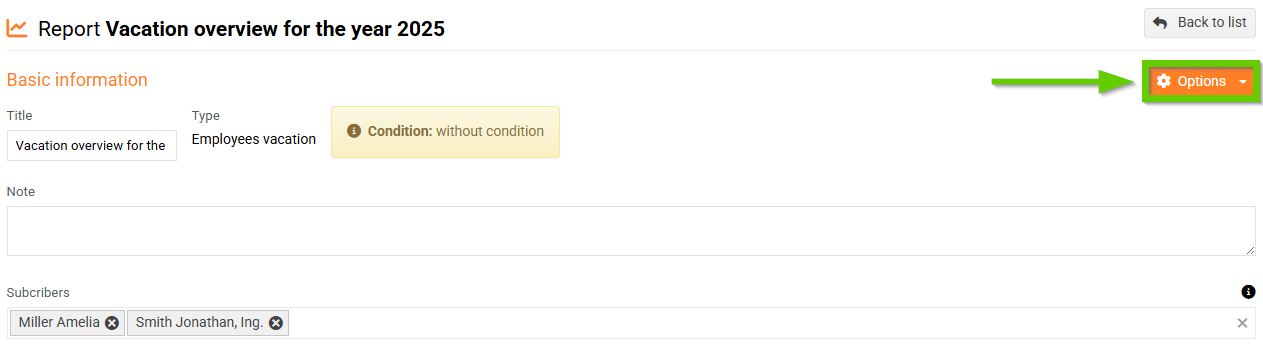
(Fig. 2)
The report preview (Fig. 3) displays:
- Current report preview, that can be exported to Excel
- History of previously generated reports of the selected type

(Fig. 3)
To view the relevant report, click the Open Excel button (Fig. 4).
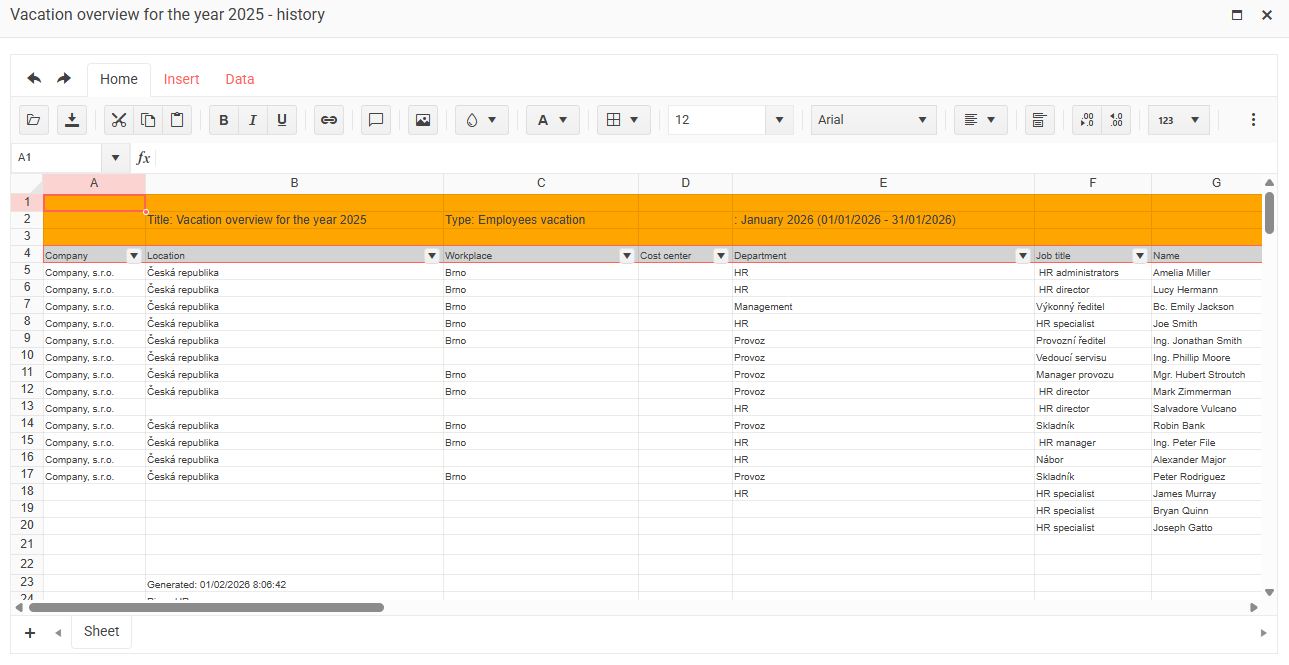
(Fig. 4)
