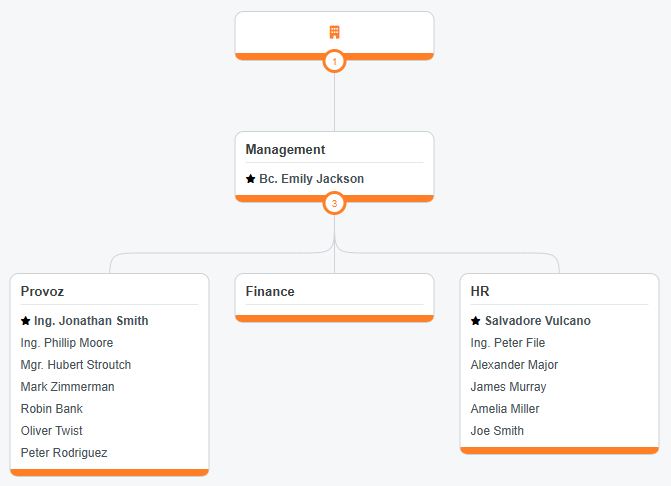
ORG structure arrangement

There are 3 tabs available in the module:
- People
- Job titles
- Departments
1. People tab
The organizational structure shows an overview of individual employees and their classification.
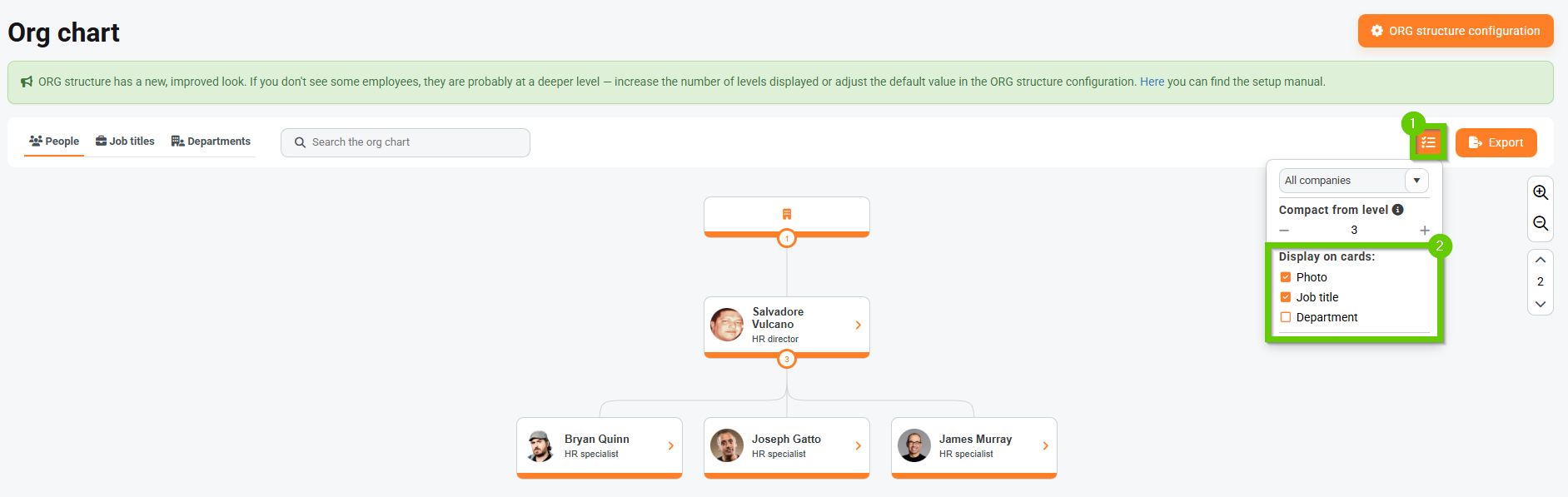
On this tab, you can set what information you want to display on employee cards:
- Click the button
- Use the checkboxes to specify whether a photo, position, or department should be displayed.
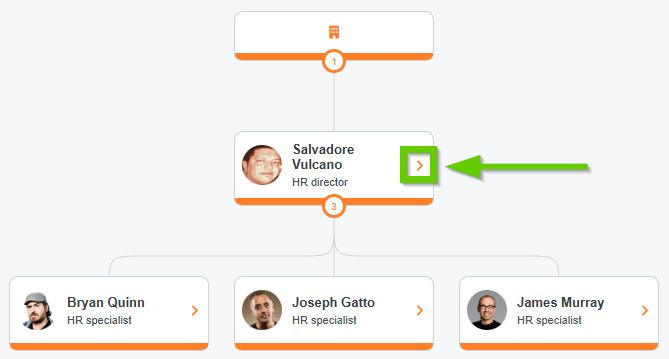
On each manager's card, click on the arrow to view their entire team.
Viewing an employee in multiple companies
If you have multiple companies and employees who have parallel contracts with these companies, one person can be depicted in several structures at the same time.
2. Job titles tab
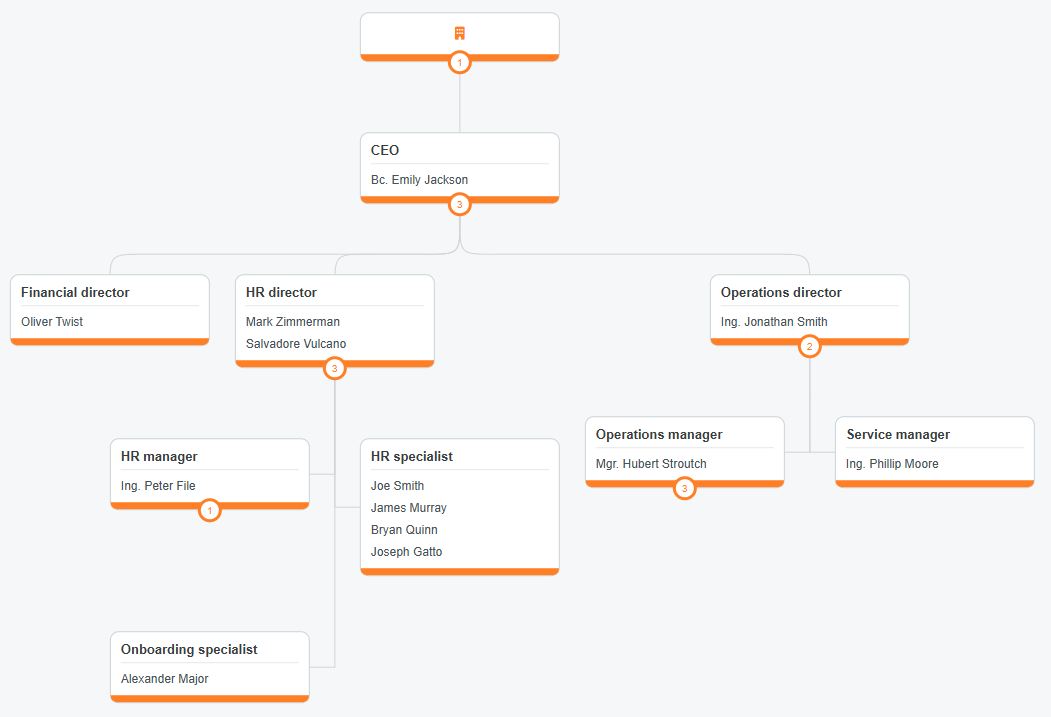
The ORG structure displays an overview of all job positions and the employees who hold them.
3. Departments tab
The ORG structure shows an overview of all departments and their members.