Activating a terminated employee

If necessary, a terminated employee can be reactivated.
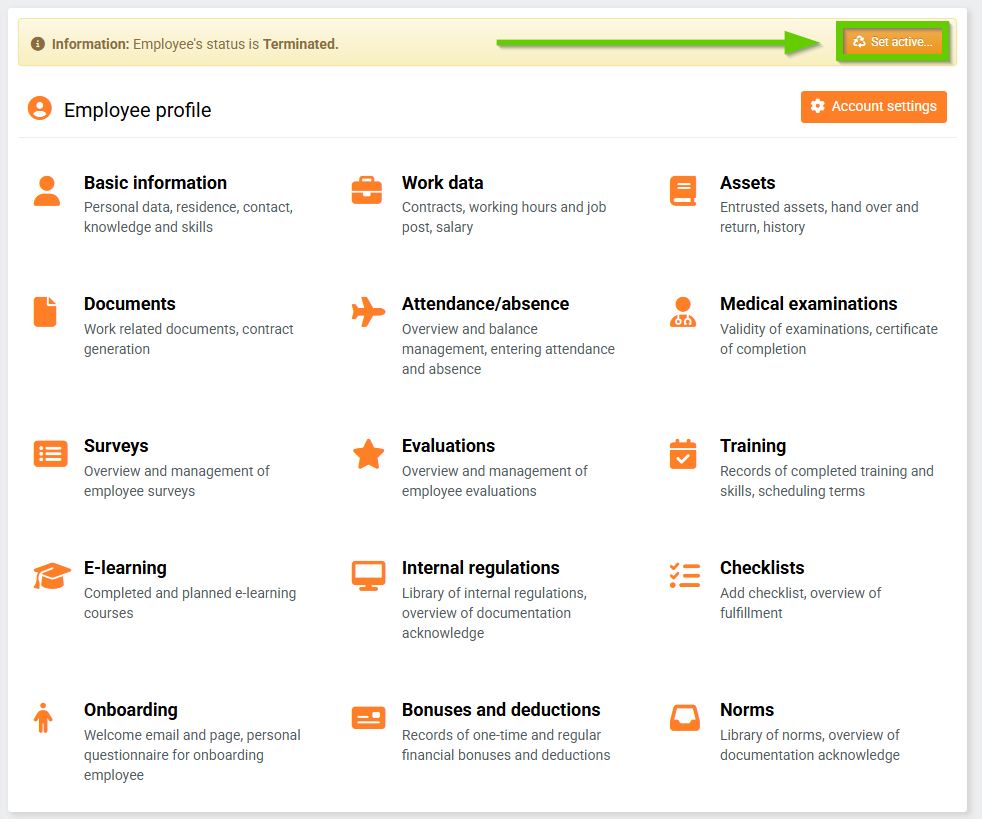
To activate, go to the employee's profile and click the Activate... button.
A warning will then appear that you must confirm.
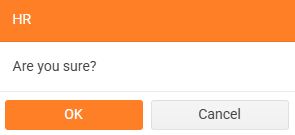
After confirmation, the employee will be reactivated and their profile will be listed as active again.
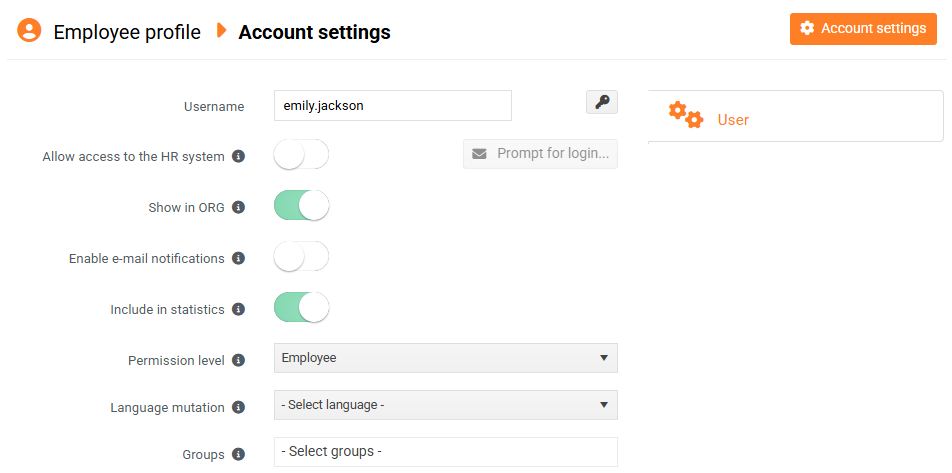
Upon reactivation, the switches in Account settings will be set to the same state as they were at the time of termination, i.e. at the time of activation.