Employee departure notification

To set up notifications regarding employee departure, go to:
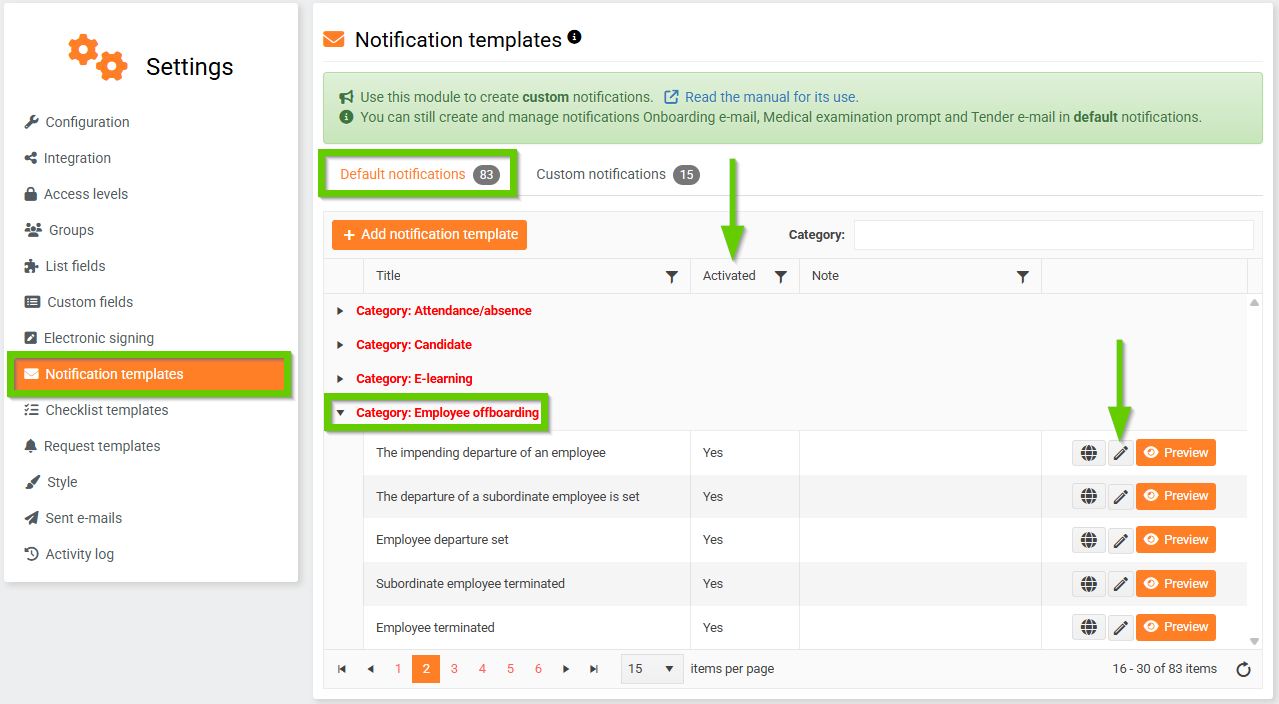
main system settings > Notification templates > Default notifications > Employee offboarding category.
Select the notification regarding the employee's departure and click the pencil symbol to edit it.
The Activated column informs you whether the notification is activated/published for automatic distribution.